What Is AI Video Analytics for Factory and Warehouse Safety?
See how factories and warehouses use AI video analytics to detect safety risks, monitor PPE and respond to incidents in real time.
What Is AI Video Analytics for Factory and Warehouse Safety?
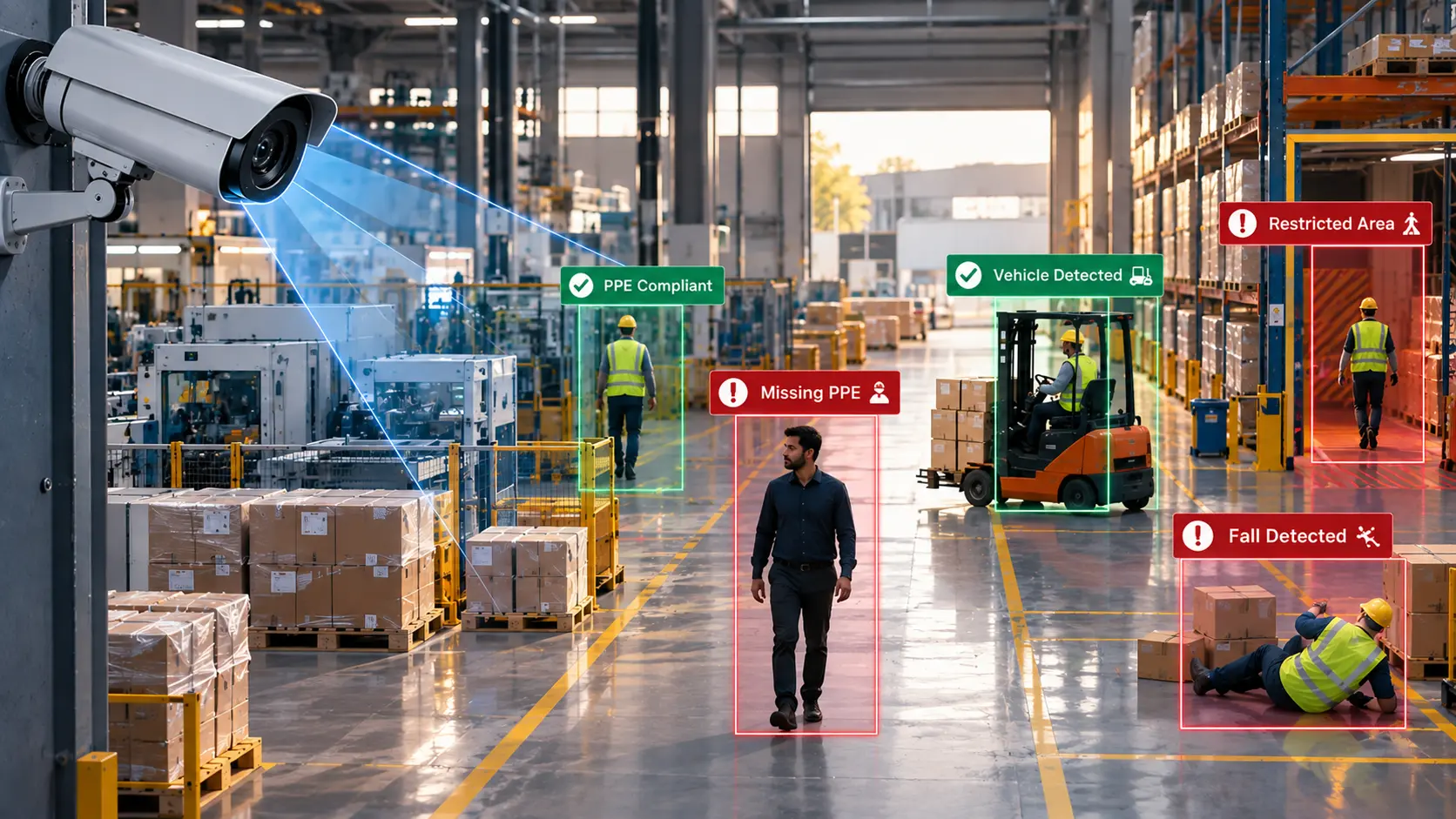
AI video analytics uses computer vision to analyse camera footage and identify specific events or conditions that have been configured for a site.
Instead of simply recording video, an intelligent video system can identify events such as:
- PPE compliance issues
- Restricted-area entry
- Line crossing
- Intrusion
- Falls
- Fire and smoke
- Object counts
- Other configured safety and security events
These events can then become searchable records, alerts or investigation points.
For organisations already using CCTV, this creates a shift from passive video recording to event-based safety monitoring.
How Does AI Video Analytics Improve Workplace Safety?
AI video analytics helps factories and warehouses identify defined safety and security events from CCTV footage in near real time. Instead of depending only on manual monitoring, safety teams can receive alerts for events such as PPE violations, restricted-area entry, falls or fire and smoke, then investigate the incident using searchable video events.
Why Traditional CCTV Is Not Enough for Safety Monitoring
CCTV has always played an important role in workplace security. But cameras continuously generate video, while safety teams have limited time to watch and review it.
Consider a large warehouse with multiple cameras covering:
- Loading docks
- Storage aisles
- Production areas
- Employee entrances
- Restricted zones
- Vehicle movement areas
A security or safety team cannot realistically watch every feed continuously.This is where real-time detection becomes valuable. Instead of asking someone to watch everything, the system can identify a configured event and bring that event to the team's attention.
The goal is not to replace safety personnel. It is to reduce the amount of routine video monitoring they need to perform and give them more relevant information to act on.
How AI Video Analytics Helps Prevent Safety Incidents
AI video analytics does not guarantee that an incident will never happen.
Its value is in helping teams identify defined risks earlier and respond faster.
1. PPE Detection
Personal Protective Equipment is often mandatory in manufacturing and warehouse environments.
Depending on the deployment and camera visibility, PPE detection can identify configured PPE conditions such as missing helmets or high-visibility clothing.
For example, if a worker enters a designated production area without the required PPE, the system can create a safety event and trigger an appropriate alert.
This allows safety teams to intervene rather than discovering the violation during a later inspection.
You can learn more about how this works in our guide to PPE detection and workplace safety.
2. Restricted-Area and Intrusion Detection
Factories and warehouses often contain areas that should only be accessed by authorised personnel.
These may include:
- Machinery areas
- Storage zones
- Electrical rooms
- Hazardous areas
- Equipment zones
- Restricted production areas
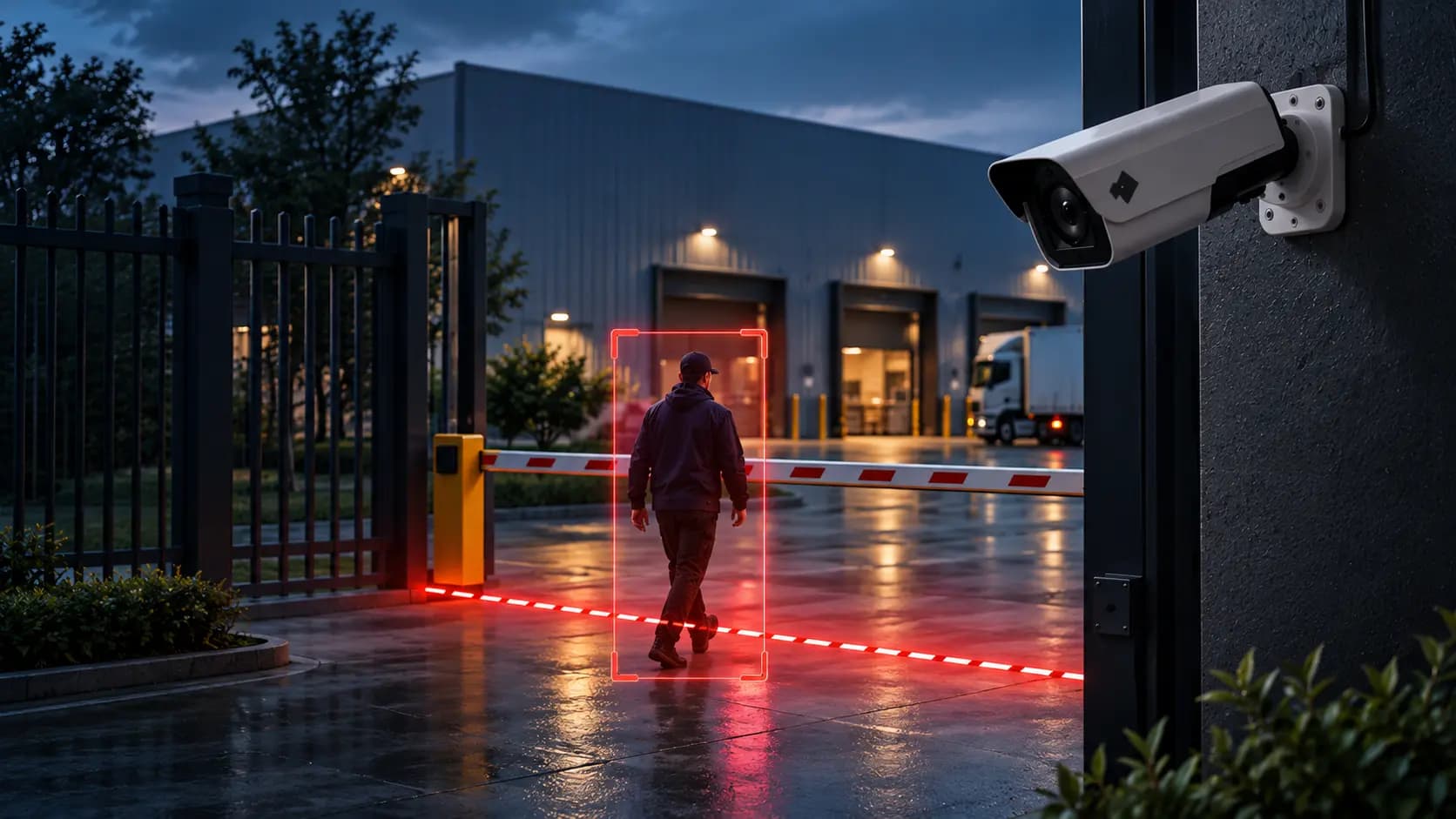
With configured intrusion detection, the system can identify when a person enters a defined area and create an event for the relevant team.
This gives security and safety personnel a clearer way to monitor sensitive zones without manually reviewing every camera feed.
3. Line Crossing Detection
Safety boundaries do not always need to be physical barriers.A virtual line can be configured within a camera view to monitor movement across a defined boundary. For example, a warehouse could use line crossing detection around a restricted entrance or a manufacturing facility could monitor movement into a hazardous zone. The system identifies the configured crossing event and can generate an alert for further action.
4. Fall Detection
Falls can become serious incidents, particularly around production areas, warehouses and other industrial environments.With fall detection, camera footage can be analysed for configured fall events.When such an event is detected, it can become an actionable event for the appropriate team to investigate.This is particularly useful in areas where a person may not be immediately visible to supervisors.
5. Fire and Smoke Detection
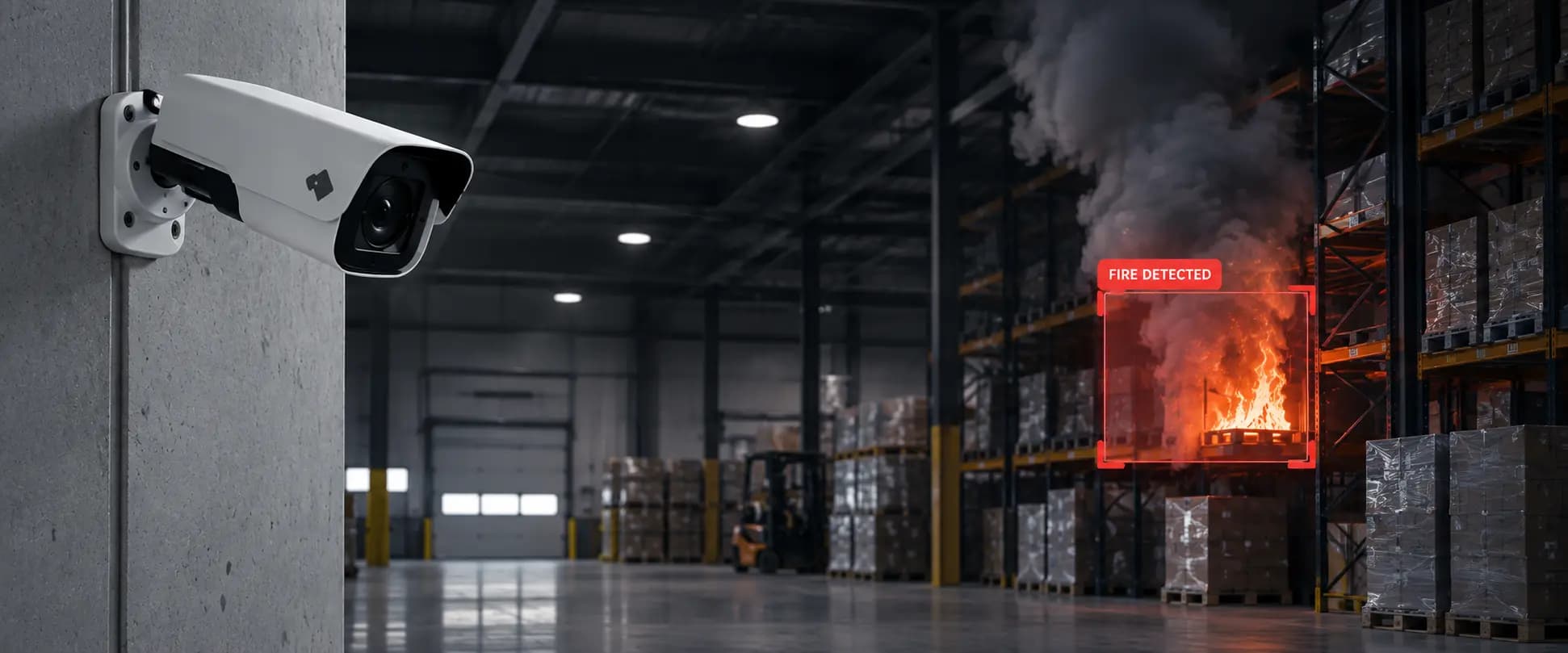
A fire can develop while employees are focused on production, loading or other operational activities.Fire and smoke detection uses video analytics to identify visible signs of fire or smoke within camera views and create an event for response.This gives teams another layer of visibility alongside their existing workplace safety processes.For a deeper look at this capability, see how AI cameras detect fire in real time.
What Safety Events Can AI Video Analytics Detect?
The exact events available depend on the platform, camera placement, configuration and operating environment.
|
PPE Detection |
Identify configured PPE compliance issues |
|
Intrusion Detection |
Monitor restricted areas |
|
Line Crossing |
Monitor movement across virtual boundaries |
|
Fall Detection |
Identify configured fall events |
|
Fire & Smoke Detection |
Detect visible signs of fire or smoke |
|
Object Counting |
Count defined objects in camera views |
|
Forensic Search |
Investigate historical video events |
The important distinction is that these are not simply hours of recorded footage. The system can turn relevant observations into structured events that teams can investigate and act upon.
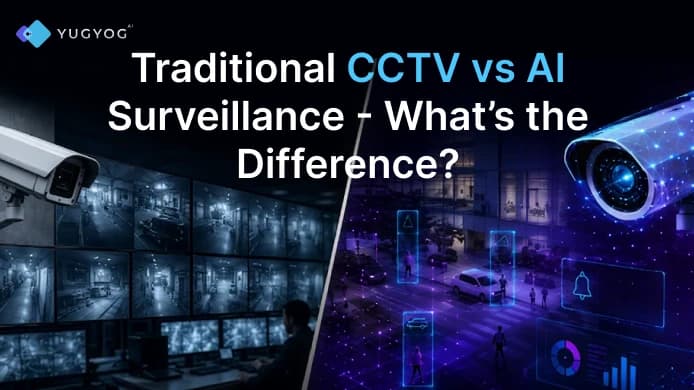
AI Video Analytics vs Traditional CCTV
|
Records video |
Analyses video for configured events |
|
Relies heavily on manual monitoring |
Brings relevant events to the team's attention |
|
Investigation can require reviewing footage |
Events can be searched and investigated |
|
Cameras mainly act as recording devices |
Cameras become a source of operational intelligence |
|
Difficult to monitor large numbers of feeds manually |
Helps teams focus on relevant events |
The two approaches do not have to be alternatives.
AI video analytics can work with an organisation's existing CCTV infrastructure, adding an intelligence layer to cameras that are already deployed.
Can AI Video Analytics Work With Existing CCTV?
Yes, depending on the camera and deployment environment.
Replacing an entire camera network simply to introduce video analytics can be expensive and disruptive. A more practical approach for many organisations is to build intelligence around the infrastructure they already have.YugYog supports ONVIF/RTSP camera environments, allowing organisations to connect supported existing cameras through its camera integration capabilities.
This makes it possible to introduce event detection without treating the existing CCTV investment as obsolete.
Where Should Factories and Warehouses Deploy AI Video Analytics?
Not every camera needs to monitor every possible event. The most useful deployments usually begin with locations where a specific safety or security requirement already exists.
Manufacturing Floors
Manufacturing environments can use video analytics around production areas, restricted zones, machinery areas and employee access points.The focus may include PPE compliance, restricted-area entry, line crossing, falls or other configured events.
See how YugYog approaches video intelligence for manufacturing.
Warehouses and Logistics Facilities
Warehouses have a different set of operational challenges, including loading areas, storage zones, restricted areas and constant movement of people and equipment. AI video analytics can provide additional visibility across these locations through configured safety and security events.
Explore AI video analytics for warehouse environments.
Entry and Exit Points
Entry points are often important for both security and safety. Line crossing and intrusion detection can help teams monitor defined boundaries and identify events that require attention.
High-Risk or Restricted Areas
Areas containing hazardous equipment, sensitive inventory or restricted operations can be configured for event monitoring.Rather than monitoring every camera equally, organisations can prioritise the areas where specific events matter most.
What Happens After a Safety Event Is Detected?
Detection is only useful when teams can act on the information. A typical workflow looks like this:
Camera → Detection → Event → Alert → Investigation → Response
Once an event is generated, the appropriate team can receive an alert based on the configured workflow.
YugYog's Alerts capabilities help surface relevant events, while Event Intelligence provides a structured way to work with detected events.
For investigation, teams can also use Forensic Search to find relevant footage and events instead of manually reviewing hours of recordings.
This is particularly useful when the question is not “What is happening right now?” but “What happened earlier?”
Why Event-Based Monitoring Matters
A camera recording is useful evidence.An identified event is more actionable.For example, instead of a safety manager being told: “Something happened on Camera 27.”the system can surface a more useful event such as: “A person entered the configured restricted zone.”
That difference matters because the second piece of information immediately provides context for investigation and response. This approach is central to YugYog's Event Intelligence, where camera observations become structured events rather than remaining buried inside hours of footage.
AI Video Analytics Does Not Replace Safety Teams
AI video analytics should support safety processes, not replace them. A system can identify a configured event, but people still determine what action is required.
For example:
- The camera captures an event.
- Video analytics identifies the configured condition.
- An event is created.
- The relevant team receives an alert.
- A supervisor investigates.
- The organisation takes the appropriate corrective action.
This human-plus-technology approach is important because workplace safety involves more than detecting events. It also requires training, procedures, risk assessments and human judgement.
What Makes AI Video Analytics Effective?
Installing analytics is only one part of a successful deployment.
Camera Placement
The camera needs a suitable view of the area being monitored. Poor positioning can make it difficult to identify people or objects reliably.
Lighting and Visibility
Changing lighting conditions and camera quality can affect what the system can detect.
Correct Configuration
Rules should reflect the actual safety requirements of the location. A restricted zone, line or detection condition needs to be configured appropriately.
Clear Response Workflows
An alert only creates value when someone knows what to do with it.
The organisation should define who receives alerts, which events require immediate action and how incidents are recorded or investigated.
Suitable Deployment Architecture
Different organisations have different infrastructure and security requirements. YugYog supports cloud, hybrid and air-gapped deployment options depending on operational requirements.
From CCTV Recording to Intelligent Safety Monitoring
Factories and warehouses do not necessarily need more cameras to gain more visibility.They may need to make better use of the cameras they already have.
AI video analytics can add an event-detection layer to existing CCTV, helping safety and security teams identify configured risks, receive relevant alerts and investigate incidents more efficiently.For organisations managing large facilities, multiple shifts or multiple locations, this can change CCTV from a system primarily used to look back at incidents into one that also helps teams identify events as they occur.
YugYog brings these capabilities together through its video analytics platform, connecting existing camera infrastructure with detection, event intelligence, alerts and forensic investigation.If your factory or warehouse already has CCTV but still relies heavily on people watching screens or manually searching footage, YugYog can help turn those existing cameras into a more intelligent safety monitoring layer.