Why CCTV Alerts Get Ignored: False Alarms and Alert Fatigue
Discover why CCTV alerts get ignored, how false alarms cause alert fatigue, and how businesses can improve video surveillance response
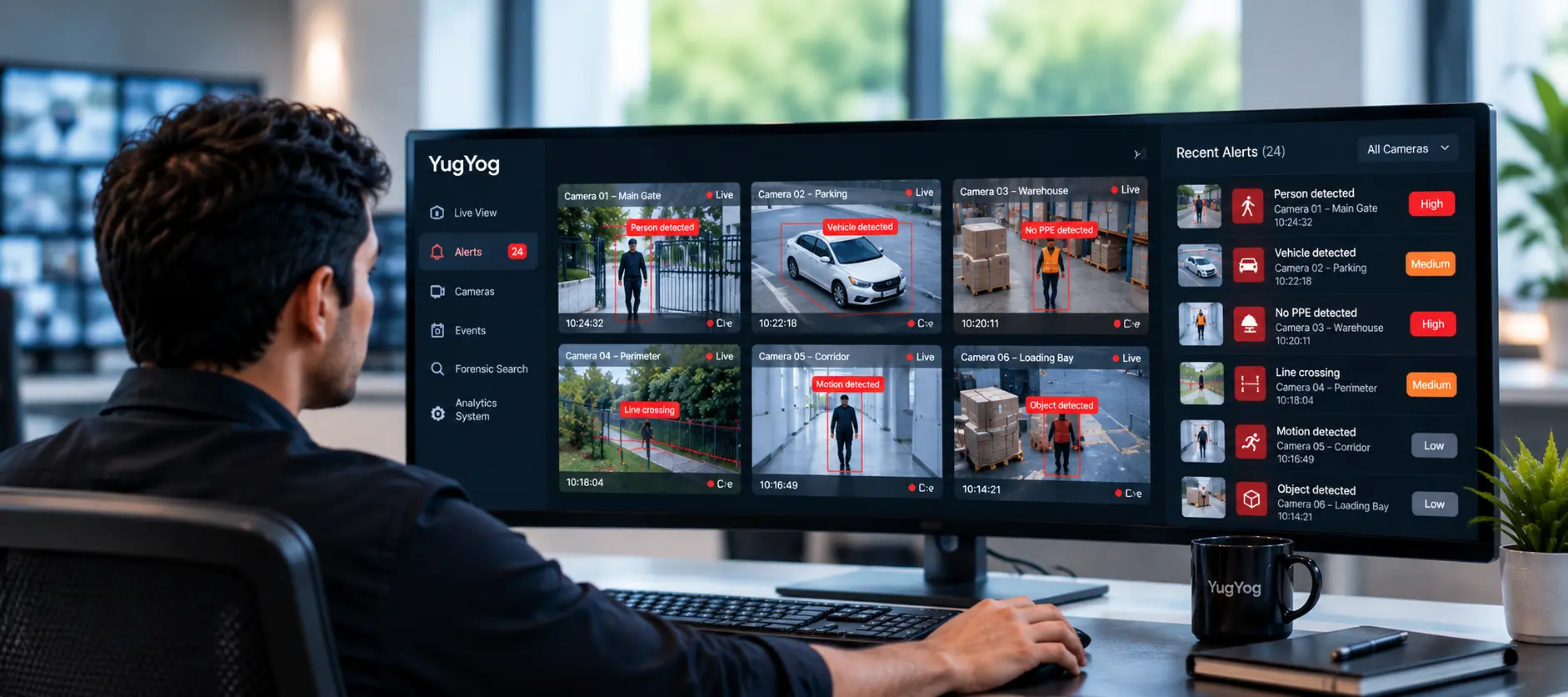
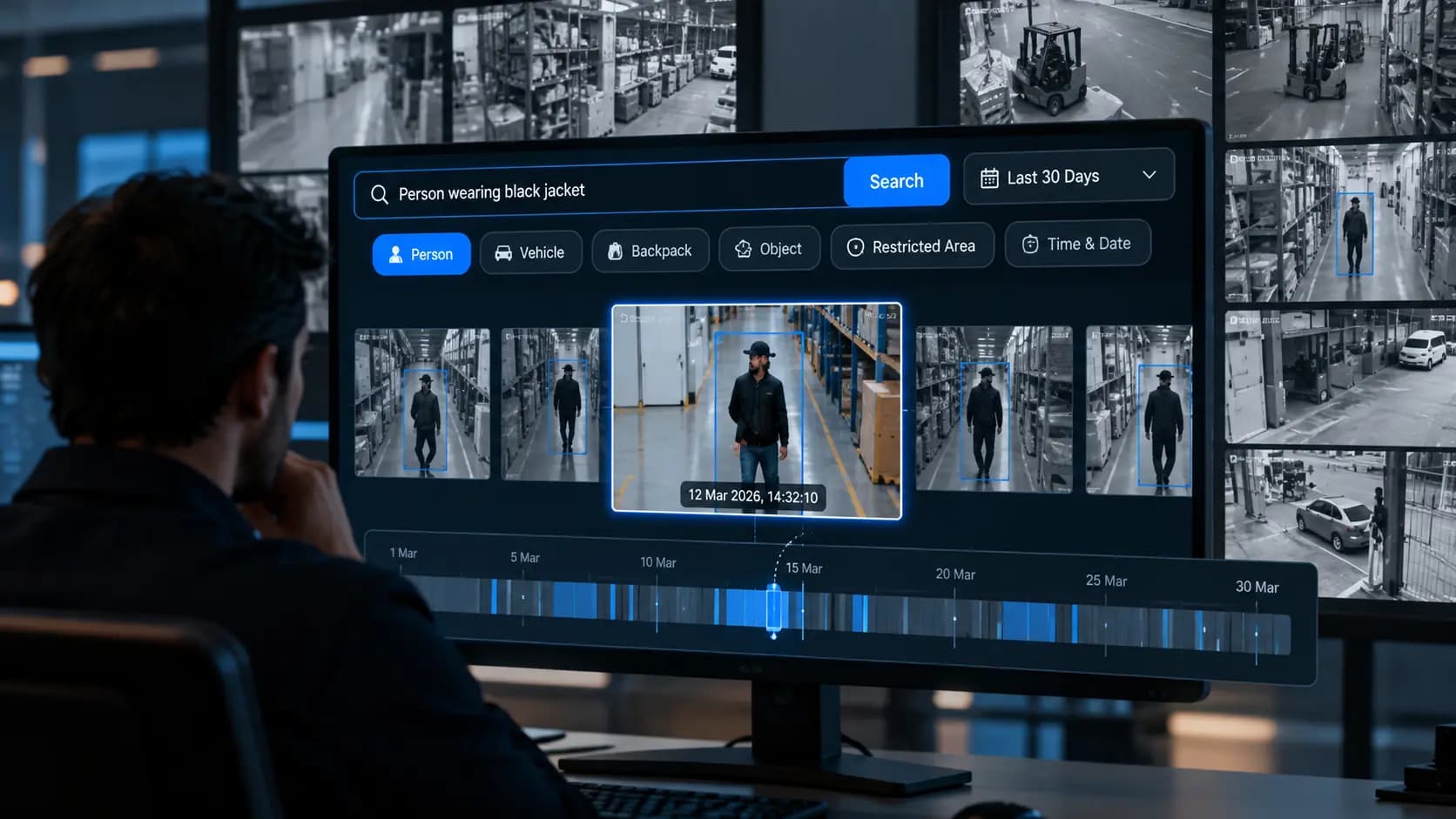
A CCTV alert is supposed to tell your security team when something needs attention. But what happens when the system keeps flagging harmless movement, changing shadows, passing vehicles or routine activity?
Initially, operators investigate every notification. Over time, they may begin dismissing alerts that appear unimportant. Eventually, a genuine security incident could receive the same lack of attention as dozens of irrelevant notifications.
This is the problem of CCTV alert fatigue.
The challenge is no longer simply detecting movement. It is helping security teams distinguish meaningful events from everyday activity.
For organisations monitoring multiple cameras across factories, warehouses, offices, retail stores or campuses, alert quality can matter as much as the number of cameras installed.
What Is CCTV Alert Fatigue?
CCTV alert fatigue occurs when security operators receive so many notifications, particularly irrelevant or repetitive ones, that their attention and responsiveness to new alerts may decline.
It is closely related to alarm fatigue, a recognised human-factors challenge in monitoring environments. Research published in ACM Computing Surveys examines alert fatigue in security operations centres, including how excessive alerts and false positives can make alert triage more difficult. Although this research focuses on cybersecurity, the underlying challenge of managing large volumes of notifications is relevant to other monitoring environments.
In video surveillance, alert fatigue can develop when operators repeatedly encounter:
- Motion alerts triggered by harmless environmental changes.
- Notifications that do not require intervention.
- Repeated alerts about the same ongoing activity.
- Events without enough information to understand their significance.
- A constant stream of notifications competing for attention.
The result is a monitoring workflow in which operators spend more time checking alerts and less time investigating meaningful events.
Why Do CCTV Systems Generate False Alarms?
A false alarm occurs when a system raises an alert for an event that does not meet the intended security condition. In video analytics, this can happen when the system detects activity but cannot reliably distinguish a relevant event from harmless movement.
Several factors can contribute to this problem.
1. Environmental movement
Trees moving in the wind, rain, insects near a lens, changing shadows and variations in lighting can trigger motion-based systems.
This is particularly challenging when a camera monitors an outdoor area with frequent environmental changes. A system that relies heavily on changes in the image may struggle to distinguish these conditions from activity that deserves attention.
2. Poor camera positioning
A camera may capture a wide area containing roads, walkways, entrances and restricted zones. If its view includes too much irrelevant activity, the system may generate notifications that have little security value.
Camera angle, distance, lighting and obstructions can also affect detection performance. A detection rule that works in one location may not perform equally well in another.
3. Detection rules that are too broad
A rule configured to flag every movement in an area may produce a high volume of notifications during normal operations.
For example, a warehouse entrance may remain busy throughout a shift. If the objective is to identify entry into a restricted zone, treating every person passing through the wider camera view as a security event creates unnecessary noise.
Businesses should define the event they need to detect rather than treating all movement as equally important.
For a closer look at how detection rules differ, read Loitering Detection vs Line Crossing vs Intrusion Detection.
4. Routine activity mistaken for a security concern
A person walking through a monitored area is not automatically a threat. The meaning of an event depends on its location, timing and the rule being applied.
A person entering an authorised area during working hours may be performing a routine task. Similar movement in a restricted area after hours may require investigation.
Alerting logic should reflect that difference.
5. Too many notifications without prioritisation
Even when individual alerts are technically valid, an excessive volume of low-priority notifications can make it difficult to identify events that need immediate attention.
This means alert fatigue is not always caused by incorrect detection. Poor prioritisation, duplicate notifications and a lack of useful context can create the same operational problem.
What Happens When Security Teams Stop Trusting CCTV Alerts?
False alarms do more than interrupt an operator. They can gradually change how an entire security team works.
More time spent verifying alerts
Operators repeatedly open camera feeds, check timestamps and determine whether a notification needs action. This reduces the time available for investigating meaningful events.
Reduced confidence in notifications
When alerts frequently turn out to be irrelevant, operators may start treating new notifications with scepticism rather than urgency.
Genuine incidents may receive delayed attention
An important event can be harder to recognise when it appears alongside a constant stream of routine or low-priority alerts.
Greater pressure on security staff
Continuous alert checking can increase workload and make monitoring less sustainable, particularly across large sites with many cameras.
The operational risk is straightforward: a surveillance system can generate alerts continuously and still fail to direct attention to the right event at the right time.
Traditional Motion Detection vs Context-Aware Video Analytics
Not every CCTV alert system evaluates activity in the same way. Understanding the distinction helps businesses assess why their current notifications may be difficult to manage.
|
Area |
Basic motion-based alerting |
Context-aware video analytics |
|
Primary trigger |
Changes or movement in the image |
A defined event or detection condition |
|
Environmental changes |
May trigger unwanted notifications |
Can apply more specific detection logic, depending on the system |
|
Restricted areas |
May flag general movement |
Can evaluate activity against configured zones or rules |
|
Alert relevance |
Depends heavily on motion settings |
Depends on detection capability, rule configuration and scene conditions |
|
Human verification |
Often needed to understand what triggered the alert |
Still important, but event details may make verification more efficient |
|
Main limitation |
Movement does not necessarily indicate a security issue |
AI can still make errors and requires testing in the actual environment |
Context-aware analytics does not eliminate every false alarm. Performance depends on the model, camera placement, lighting, configuration and the event being detected.
How Can Businesses Reduce CCTV False Alarms?
Reducing false alarms requires more than changing a sensitivity slider. Businesses should review camera positioning, how events are defined and how notifications reach the people responsible for responding.
1. Configure detection rules around real security objectives
Start by identifying what the team actually needs to know.
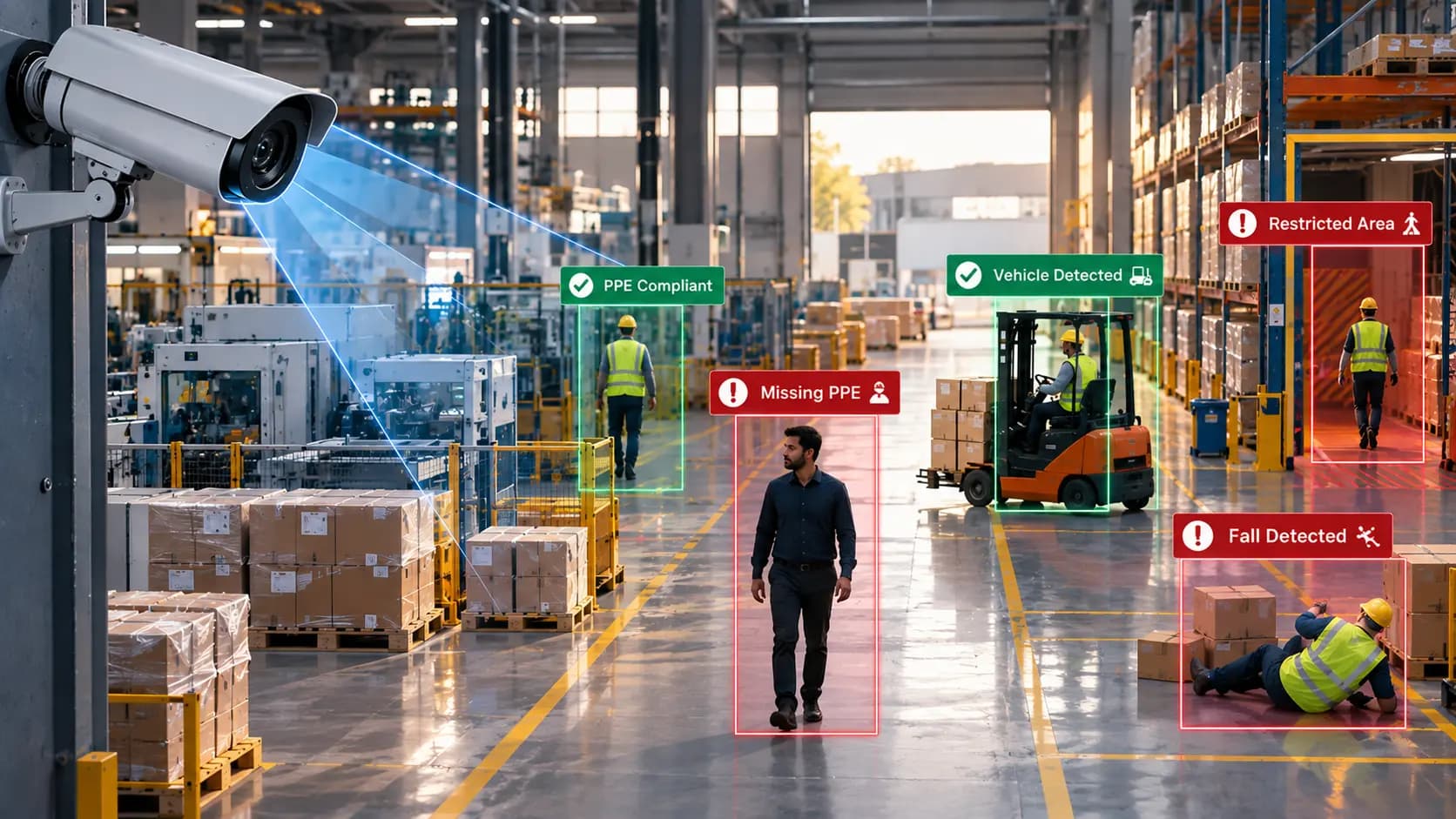
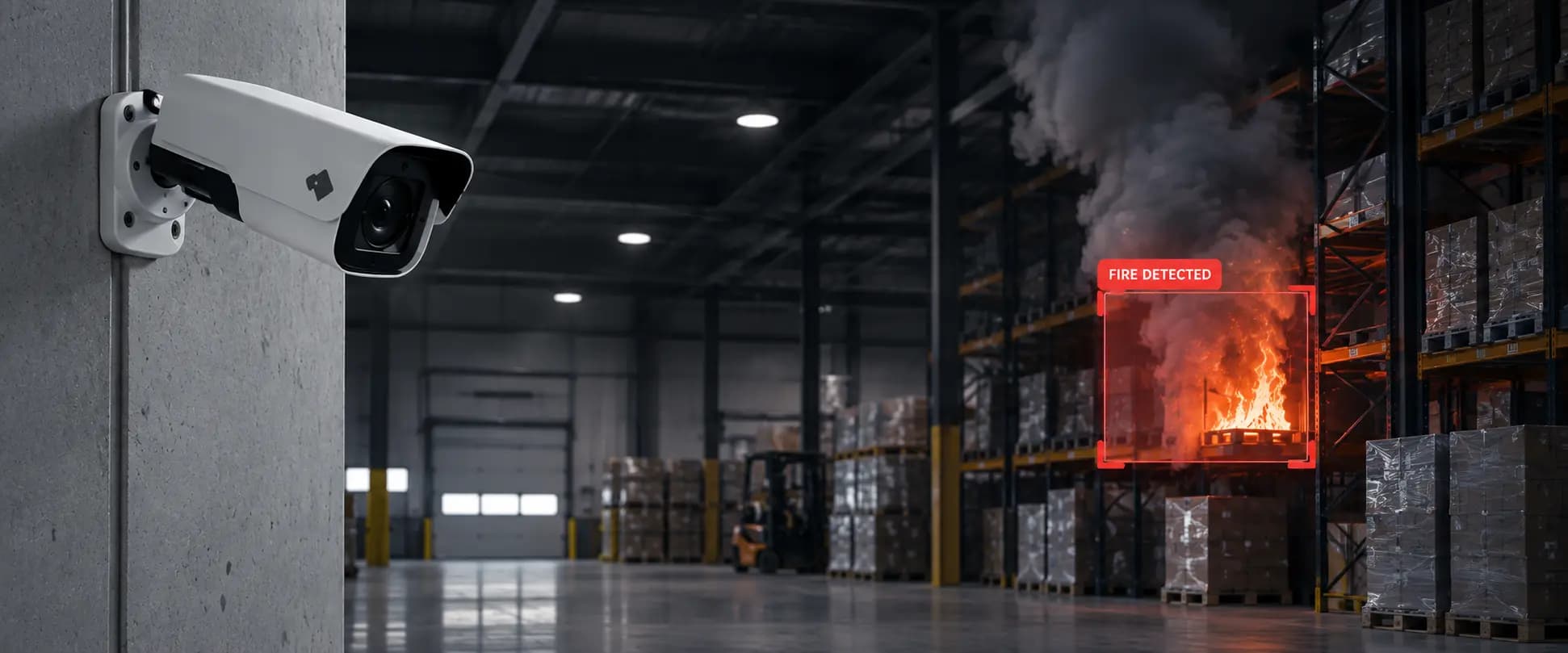
Does it need to detect entry into a restricted area, a person crossing a boundary, missing protective equipment or signs of fire and smoke? Each requirement should have an appropriate detection rule rather than relying on general motion notifications for every situation.
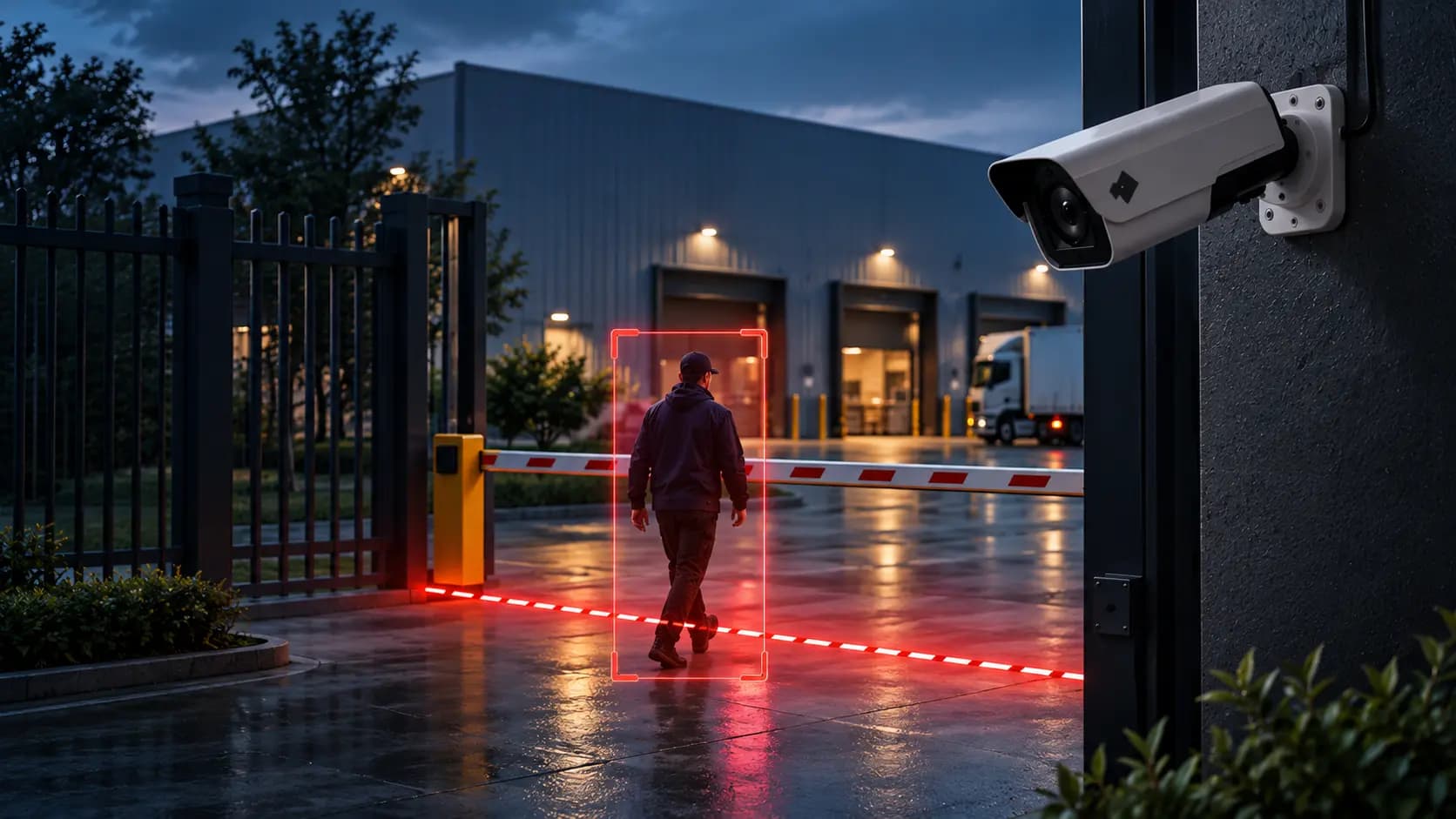
For example, a facility monitoring a restricted entrance should configure its detection area around that entrance, rather than treating activity across the entire camera view as equally important.
YugYog's AI Video Engine and Event Intelligence pages provide further information about its video analytics and event-monitoring capabilities.
2. Review camera placement and image quality
Before changing the software, check the camera itself.
Review whether the view contains unnecessary areas, whether lighting changes throughout the day, whether objects regularly obstruct the scene and whether the camera is positioned appropriately for the intended detection task.
A poorly positioned camera can undermine even a capable analytics system.
3. Use zones and conditions carefully
Where supported, define the areas in which a particular event matters. Review relevant settings such as time windows, detection duration and other rule conditions available in the chosen system.
For example, a restricted zone should be configured around the area that actually needs protection. This helps avoid treating unrelated movement outside that zone as equivalent to a potential intrusion.
The objective is not to suppress alerts indiscriminately. It is to make the conditions for raising an alert better match the event the security team needs to detect.
4. Prioritise alerts by operational importance
Not all notifications need the same response.
A potential fire, an entry into a restricted area and routine activity in a common area have different implications. A well-designed workflow should make those distinctions clear, using supported severity levels, escalation rules or notification settings.
Prioritisation should be based on the organisation's risk assessment rather than assigning urgency to every event.
5. Reduce duplicate and repetitive notifications
Repeated notifications for the same ongoing activity can overwhelm operators, even when the underlying detection is valid.
Where the platform supports it, review event grouping, notification intervals and escalation behaviour. Ensure these settings do not hide a genuinely new incident or delay a necessary response.
6. Give operators enough context to verify an alert
A notification is more useful when the operator can quickly understand what was detected, where it occurred and when it happened.
Depending on the system, useful context may include the camera name, event type, timestamp and a link to the relevant footage. This helps operators verify an alert without searching through unrelated camera feeds.
Explore YugYog's Event Intelligence and Alerts pages to understand its event and alerting workflows.
7. Test the system using real site conditions
Do not evaluate a system only through a product demonstration or ideal sample footage.
Test it during normal operations, at different times of day and under the environmental conditions in which it will be used. Include both genuine events and common sources of unwanted alerts.
This is essential because a system's performance in one location does not automatically predict its performance in another.
8. Track alert quality over time
A reduction in notification volume is not enough on its own. A system that produces fewer alerts by missing important events is not necessarily performing better.
Monitor the quality and usefulness of alerts alongside detection coverage and response performance.
|
Metric |
What it tells you |
|
False-alarm rate |
How frequently alerts are raised for events that do not meet the intended condition |
|
Alert precision |
What proportion of reviewed alerts correspond to genuine target events |
|
Missed-event rate |
How frequently relevant events are not detected |
|
Time to verify |
How long operators take to determine whether an alert requires action |
|
Response time |
How quickly the team acts after identifying an event that needs intervention |
|
Duplicate-alert volume |
How often the same underlying event generates repetitive notifications |
Record a baseline before making changes, then compare results over a consistent period. Define what counts as a false alarm for each detection type so that performance comparisons remain meaningful.
How Different Industries Can Approach Alert Fatigue
The causes of unwanted alerts vary by environment. The most effective approach starts with the risk that matters in that setting.
|
Industry |
Example of unwanted alerts |
What to focus on |
|
Manufacturing |
Routine movement near production areas |
Defined safety zones, relevant event rules and appropriate escalation |
|
Warehousing and logistics |
Repeated activity around loading bays |
Separate routine movement from events that require investigation |
|
Retail |
High volumes of normal customer movement |
Configure analytics around specific operational or security objectives |
|
Healthcare |
Frequent movement through busy corridors |
Appropriate detection zones, access controls and clear response procedures |
|
Education |
Students and staff moving around campus |
Differentiate normal activity from events that violate site-specific rules |
|
Corporate offices |
Employees entering and leaving shared areas |
Apply relevant access rules and time-based conditions where supported |
For practical examples, explore YugYog's pages for manufacturing, warehouses, retail, healthcare and education.
Can AI Video Analytics Eliminate False Alarms?
No. AI video analytics can help make alerts more relevant, but it cannot guarantee that every notification will be correct or that every genuine event will be detected.
The distinction between detecting an object and identifying a meaningful event is important. A system may detect a person accurately but still generate an inappropriate alert if the rule, zone or operating conditions are unsuitable.
Businesses should evaluate AI video analytics against their actual requirements, including:
- Detection performance under real site conditions.
- False positives and missed events for each required detection type.
- The ability to configure relevant zones and event rules.
- How quickly operators can verify notifications.
- Integration with existing cameras and monitoring workflows.
- Security, access controls and auditability.
For organisations using existing IP cameras, camera compatibility is another practical consideration. YugYog supports ONVIF/RTSP camera integration; businesses should still verify their specific camera models and deployment requirements. Learn more about YugYog's camera integration.
What Should You Check Before Choosing a CCTV Alert System?
Before investing in a new platform or upgrading an existing one, use this checklist to assess whether it can improve the quality of your security alerts.
- The system supports the detection events our site actually needs.
- Detection zones and event rules can be configured for our environment.
- We can evaluate false alarms and missed events during a real-world pilot.
- Operators can access enough event information to verify alerts quickly.
- Notifications can be prioritised or escalated where supported.
- The platform works with our existing cameras and infrastructure.
- Access permissions, event records and deployment security meet our requirements.
- We can measure alert quality and response performance after deployment.
A pilot should assess both sides of performance: whether the system reduces irrelevant alerts and whether it continues to identify the events that matter. Fewer alerts alone are not proof of better security.
Final Thoughts
CCTV alert fatigue is not simply a problem of receiving too many notifications. It is a problem of whether those notifications deserve the attention they demand.
When security teams repeatedly investigate irrelevant activity, trust in the alerting process can decline. Better camera positioning, carefully configured detection rules, meaningful prioritisation and regular performance reviews can help improve that process.
AI video analytics can support these improvements, but the technology must be evaluated in the environment where it will operate. The objective is not to generate fewer alerts at any cost. It is to help security teams recognise and respond to relevant events without being overwhelmed by noise.
If your organisation is looking to make better use of its existing camera infrastructure, explore the YugYog video intelligence platform to understand its detection, event intelligence and alerting capabilities. You can also contact the YugYog team to discuss your requirements and arrange a suitable evaluation.