AI Video Analytics for School Security: 7 Ways to Improve Campus Safety
Discover how AI video analytics improves school security through intrusion detection, campus monitoring and faster incident investigation.
A school campus is a busy environment. Students move between classrooms, teachers supervise different areas, visitors enter and leave throughout the day, and staff manage everything from laboratories to playgrounds. Keeping track of activity across all these spaces is a significant responsibility for school administrators and security teams.
Most schools already use CCTV cameras to monitor entrances, corridors, playgrounds and common areas. But recording activity and identifying a potential security incident are two different things. A camera may capture someone entering a restricted area, a student falling in an empty corridor or smoke appearing in a storage room. Unless someone notices the event, the footage may only be reviewed much later.
This is where AI video analytics for school security becomes valuable.
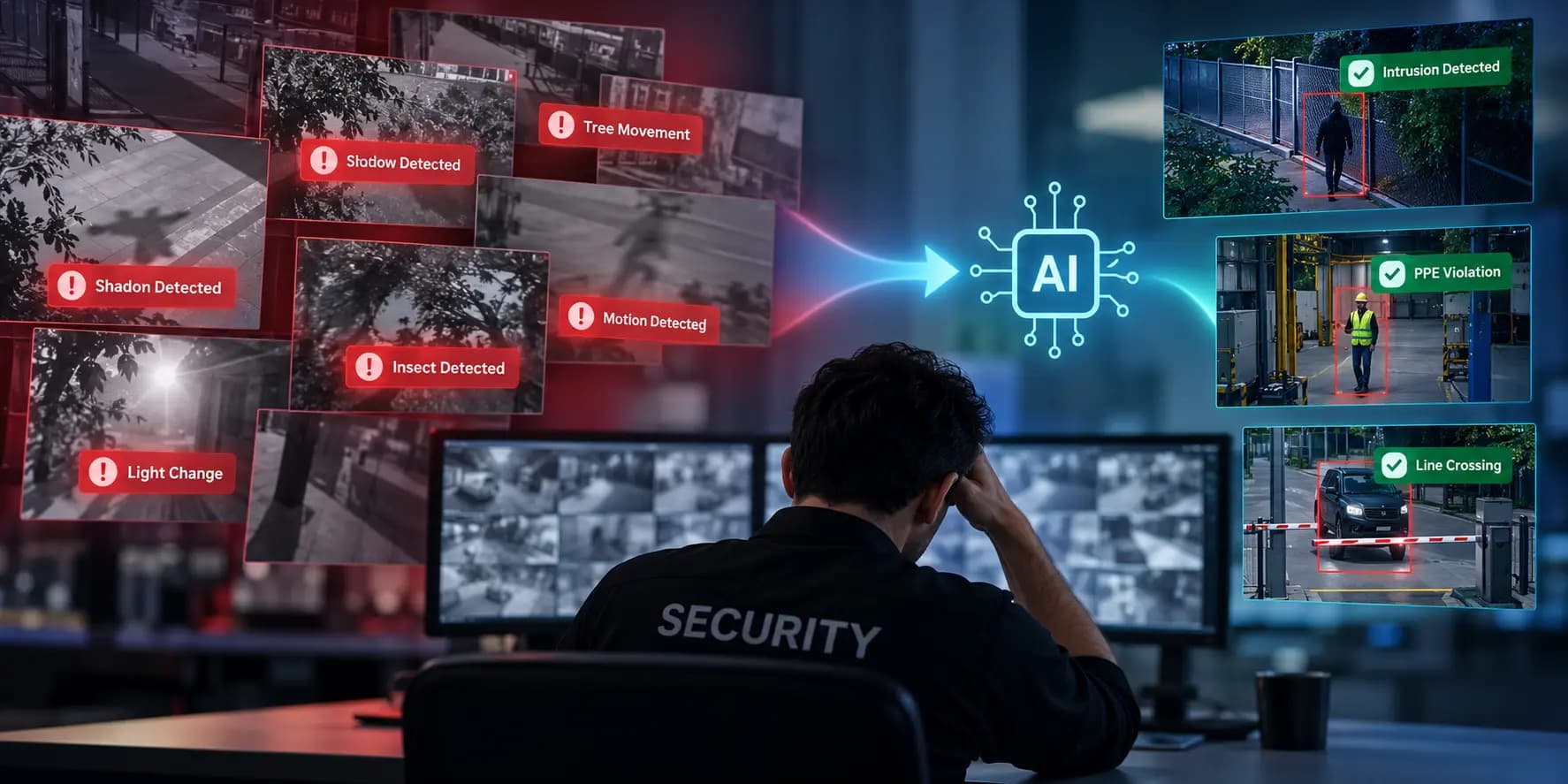
By analysing video feeds from supported cameras, AI-powered surveillance systems can identify configured events, generate alerts and help security personnel locate relevant footage. Instead of depending entirely on continuous manual monitoring, schools can use their existing camera infrastructure more intelligently.
Let's look at seven ways AI video analytics can help improve campus safety.
What Is AI Video Analytics for School Security?
AI video analytics for school security uses artificial intelligence to analyse footage from connected CCTV cameras and identify specific activities, objects or events.
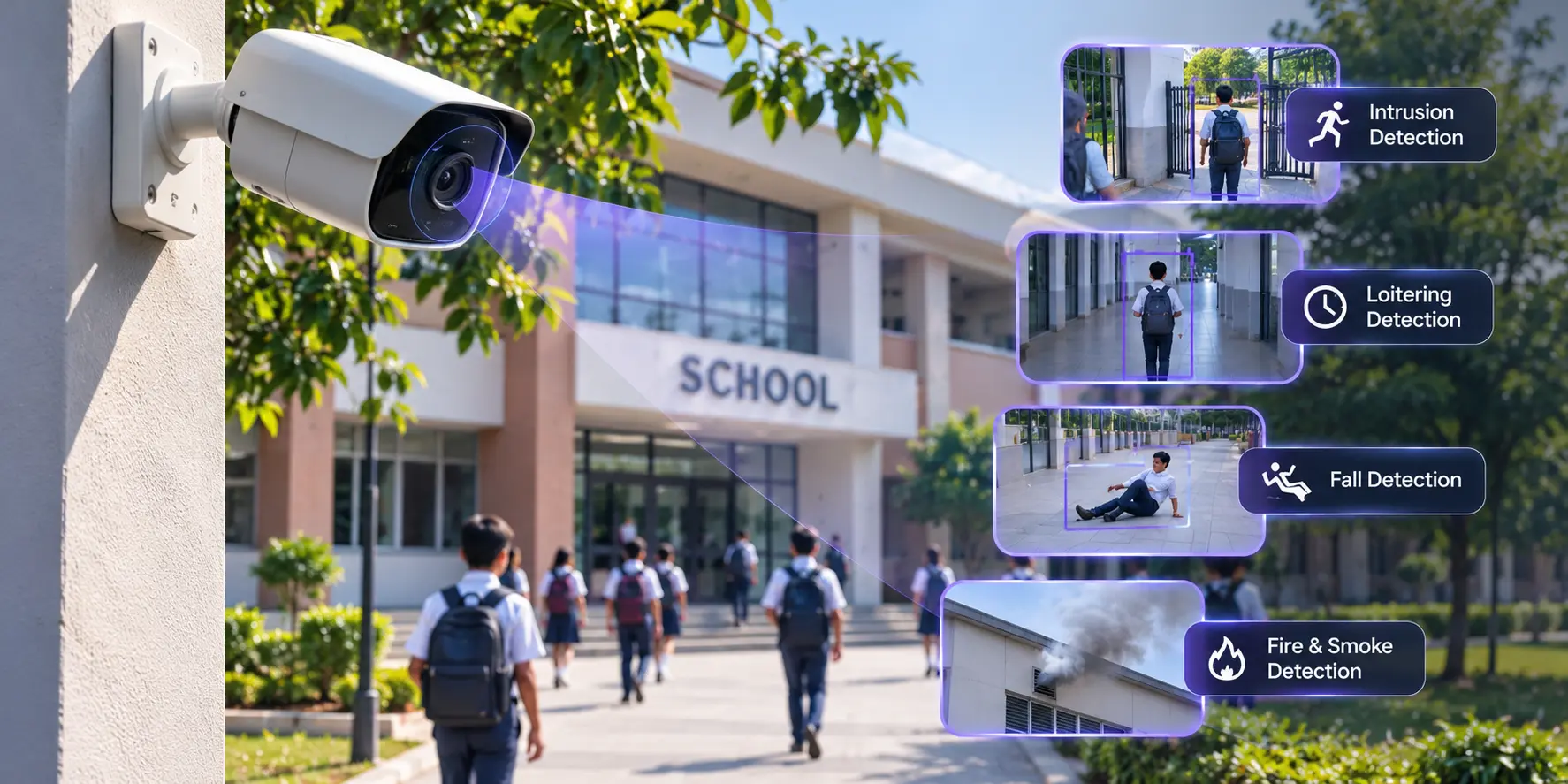
Traditional CCTV systems primarily record video for live viewing or later investigation. AI video analytics adds an intelligence layer that can identify events such as unauthorised entry, movement across restricted boundaries, potential falls and visual indicators of fire or smoke, depending on the capabilities supported by the system.
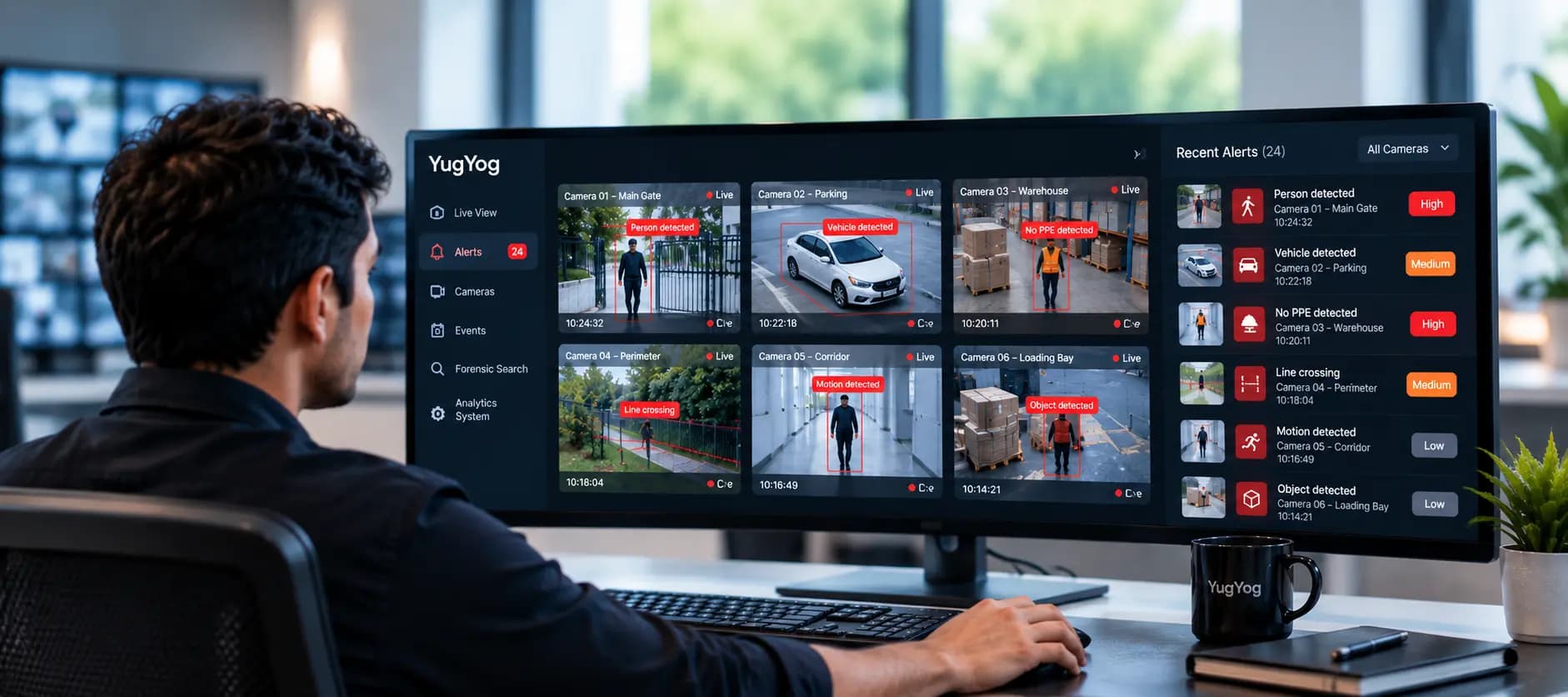
When a configured event is detected, the platform can generate an alert for authorised personnel to review.
For example, if someone enters a restricted laboratory after school hours, the system can identify the configured intrusion event and notify the security team.
The purpose is not to replace security guards or school administrators. It is to help them become aware of relevant events and make better use of the information captured by campus cameras.
7 Ways AI Video Analytics Can Improve School Security
1. Detect Unauthorised Entry at School Entrances
School entrances are among the most important areas to monitor. However, a campus may have several access points, including the main gate, staff entrance, service entrance and emergency exits.
During busy periods, security personnel may be occupied with visitor verification, student movement and vehicle access. Monitoring every camera simultaneously can become difficult.
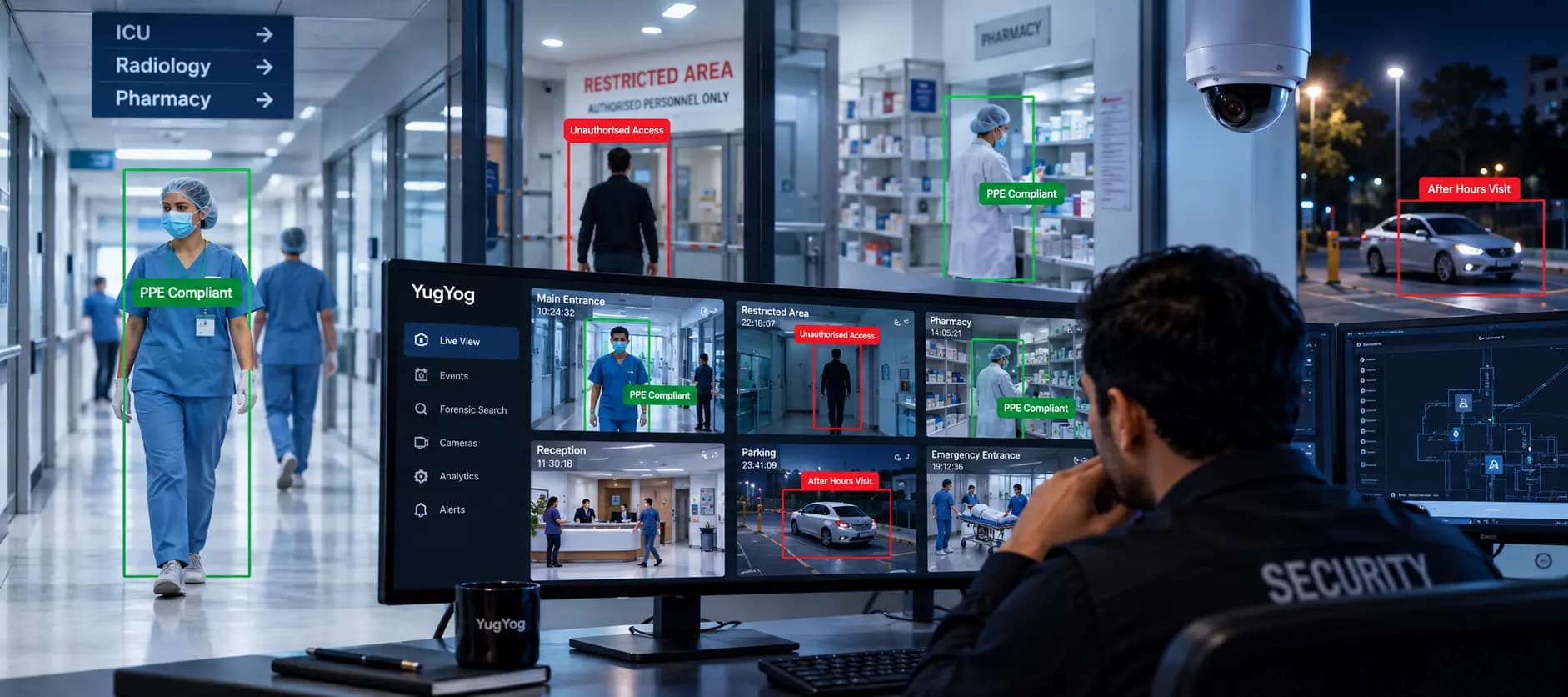
AI-powered intrusion detection can help monitor configured areas for unauthorised entry. Schools can define specific zones or boundaries and receive alerts when activity matching the configured detection conditions is identified.
For instance, if someone enters through a restricted entrance outside permitted hours, the system can generate an event for the security team to review.
This helps security personnel direct their attention towards specific areas and potential incidents instead of relying entirely on continuous screen monitoring.
2. Monitor Restricted Areas Across the Campus
Not every part of a school should be accessible to everyone.
Science laboratories, server rooms, electrical rooms, equipment storage areas and maintenance spaces may require additional monitoring. Unauthorised access to these locations can create safety and security concerns.
AI video analytics can support restricted-zone monitoring by identifying movement within designated areas. Schools can configure these zones according to their operational requirements and monitor activity during specific periods.
For example, if someone enters a restricted laboratory after working hours, the system can generate an alert for authorised staff to investigate.
This is particularly useful for larger campuses where several buildings and restricted spaces need to be monitored without assigning a security guard to every location.
3. Identify Unusual Loitering in Monitored Areas
A person standing in a corridor for a few minutes is not necessarily a security concern. However, prolonged activity in certain locations may require attention, particularly when the area is restricted or should remain unoccupied.
Loitering detection can help schools monitor designated locations such as isolated corridors, emergency exits, parking areas and restricted entrances.
The system can be configured to identify when a person remains within a defined zone beyond a specified duration.
For example, prolonged presence near a restricted building entrance outside school hours may generate an alert for review.
It is important to understand that loitering detection does not establish intent or automatically indicate wrongdoing. It identifies activity that may require human attention. The surrounding circumstances should always be considered before taking action.
4. Detect Potential Falls and Safety Incidents
Campus safety involves more than controlling access to buildings. Students and staff also use staircases, playgrounds, sports facilities, corridors and other shared spaces throughout the day.
Accidents can happen in these areas, sometimes when immediate assistance is not nearby.
Where supported, AI-based fall detection can identify potential fall events in monitored camera feeds and generate alerts for authorised personnel.
Consider a situation where someone falls in a corridor during a period when the area is relatively empty. A configured detection system may help bring the event to the attention of the school team so that they can review the footage and arrange assistance if necessary.
The effectiveness of fall detection depends on factors such as camera positioning, viewing angles, lighting and video quality.
AI detection should complement existing supervision, emergency procedures and staff responsibilities rather than replace them.
5. Identify Fire and Smoke Indicators
Fire safety is another important part of campus security. Laboratories, kitchens, electrical rooms, libraries and storage facilities may all require careful monitoring.
Traditional fire alarms and dedicated smoke detection systems remain essential. However, camera-based fire and smoke detection can provide an additional layer of visual monitoring where supported.
AI video analytics can analyse video feeds for visual indicators of fire or smoke and generate an alert when configured detection conditions are met.
For example, if smoke becomes visible in a monitored storage area, the system may identify the visual indicator and notify authorised personnel for verification.
This can help security teams become aware of potential fire-related events in monitored areas. However, camera-based detection must not replace certified fire alarms, smoke detectors or established emergency response procedures.
6. Understand Crowd Movement in Common Areas
Schools experience different levels of activity throughout the day. Morning arrival, lunch breaks, assemblies and dismissal can create increased foot traffic around entrances, corridors, cafeterias and common areas.
Managing these spaces is not always straightforward, especially in larger institutions.
Video analytics capabilities such as object counting and queue analytics can help schools understand activity in selected monitored areas.
For example, queue analytics may help identify growing queues around a cafeteria or reception area. Object counting can provide information about the number of people moving through a defined zone, depending on camera placement and system configuration.
These insights can help administrators understand how campus spaces are being used and decide whether certain areas require additional staff attention or operational changes.
The objective is not to monitor every movement of every student. It is to use relevant video insights to support safer and better-managed campus environments.
7. Find Relevant CCTV Footage Faster During Investigations
Sometimes, the biggest challenge is not identifying an incident as it happens. It is finding the footage afterwards.
Imagine a teacher reports that a student fell near a particular corridor, but nobody knows the exact time. The security team may have to open several camera feeds, select different time ranges and manually review recordings to locate the incident.
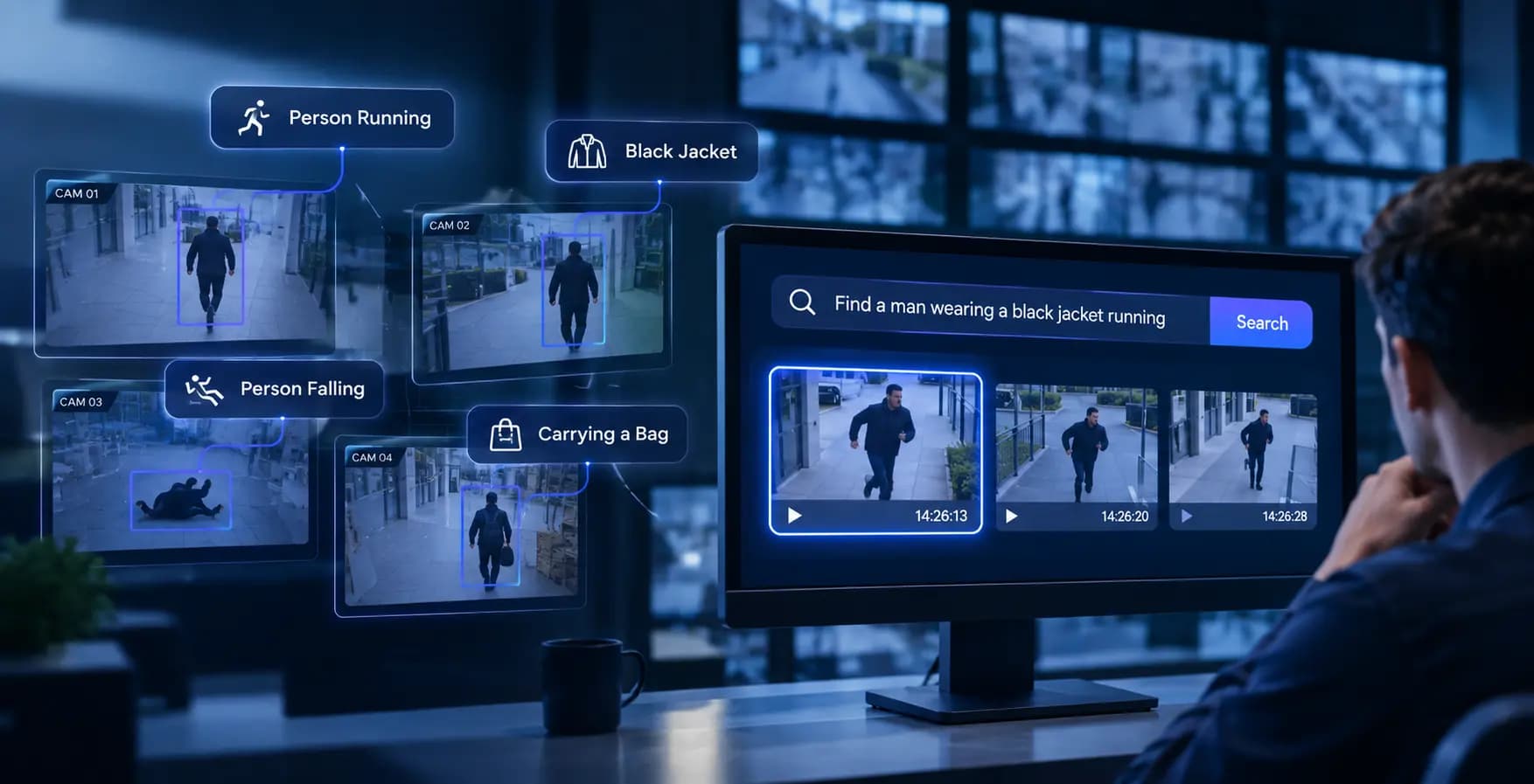
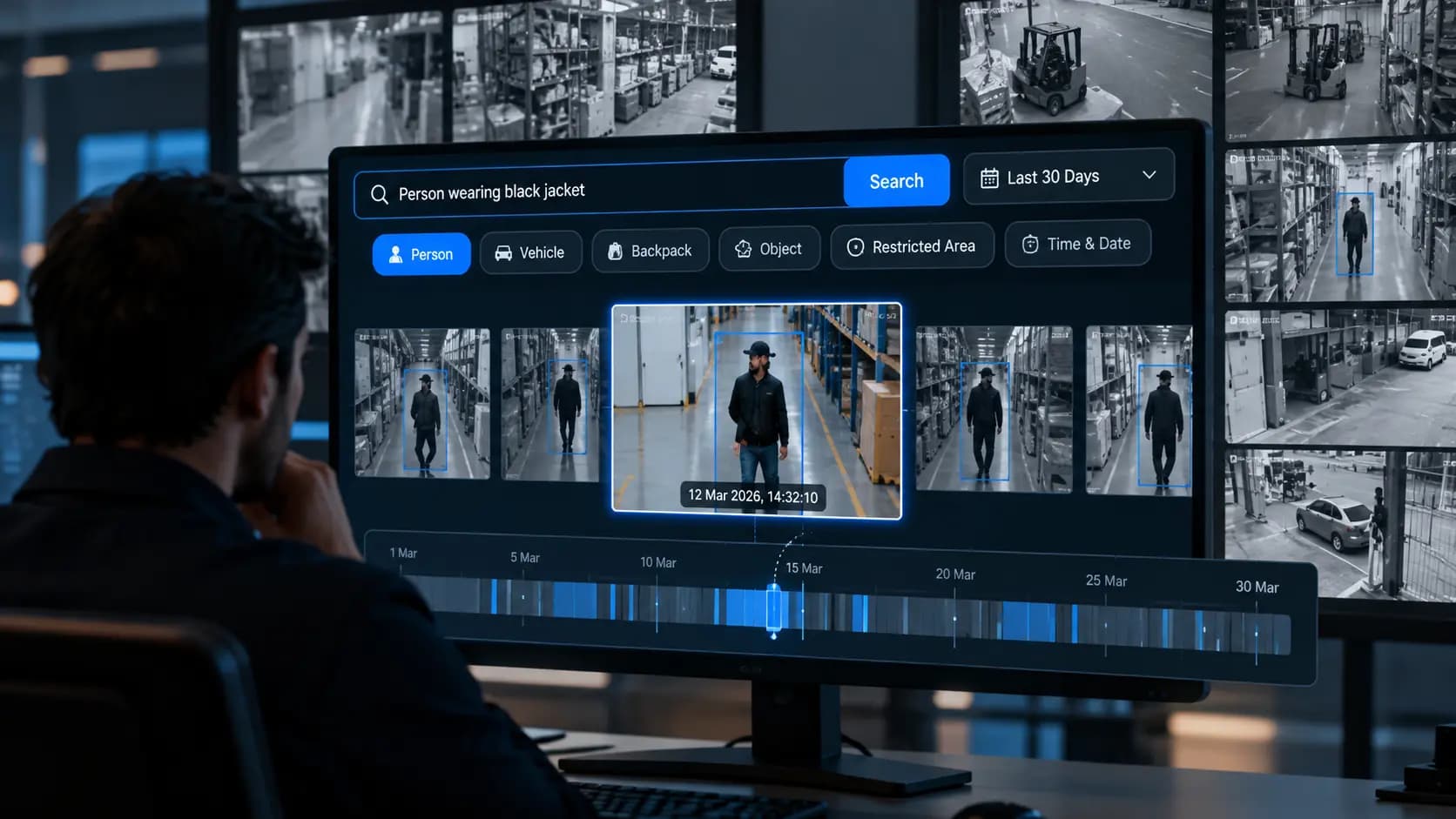
AI forensic search can make this process easier on platforms that support searchable video capabilities.
Instead of relying entirely on manual playback, an authorised operator may be able to search using a description of the activity.
For example, a search query could be:
- "Find footage of someone falling inside the school corridor."
- "Show me a person running near the main entrance."
- "Find a person carrying a bag near the laboratory entrance."
The platform can help surface potentially relevant recordings for further review.
This is especially useful when the person reporting an incident remembers what happened but cannot provide the exact timestamp or camera location.
Search results depend on the platform's supported capabilities, available recordings, camera coverage and video quality. Operators must verify the retrieved footage before drawing conclusions.
Where Should Schools Use AI Video Analytics?
The value of AI video analytics depends partly on where cameras are installed and what each camera is intended to monitor.
A school does not necessarily need the same detection capabilities in every location. A camera covering the main entrance may serve a different purpose from one monitoring a laboratory corridor or cafeteria.
The following table illustrates how different campus areas can benefit from specific video analytics capabilities.
|
School Area |
Potential Applications |
|
Main entrances and gates |
Intrusion detection and line crossing |
|
Laboratories |
Restricted-zone and intrusion monitoring |
|
Corridors and staircases |
Fall detection and configured activity monitoring |
|
Playgrounds |
Fall detection and crowd monitoring, where supported |
|
Cafeterias |
Queue analytics and object counting |
|
Parking areas |
Intrusion and restricted-zone monitoring |
|
Storage and utility rooms |
Restricted-zone and fire or smoke detection |
These are potential applications rather than guaranteed outcomes. Camera coverage, lighting, viewing angles, image quality and supported AI models all influence how effectively a system can operate.
Schools should assess their campus layout and security requirements before deciding which analytics capabilities to deploy.
AI Video Analytics vs Traditional CCTV in Schools
Traditional CCTV and AI video analytics are not competing technologies. AI video analytics adds intelligence to supported camera infrastructure, helping schools get more value from their surveillance systems.
The key difference is how footage is used.
Traditional CCTV primarily records activity for security personnel to monitor or review later. When an incident occurs, operators may need to search through recordings manually.
AI-powered video analytics can identify configured events and generate alerts, while supported forensic search capabilities can help operators locate relevant recordings.
This changes the role of CCTV from being primarily a recording system to becoming a more active part of campus security operations.
However, AI analytics does not eliminate the need for human monitoring. Security personnel still need to verify alerts, understand the situation and decide what action should be taken.
Student Privacy: What Schools Must Consider Before Implementing AI Surveillance
Introducing AI-powered surveillance into an educational environment requires careful consideration of student privacy.
Schools are responsible for creating a safe environment while respecting the privacy and rights of students, teachers, visitors and other staff members.
Before implementing AI video analytics, institutions should establish clear policies around camera placement, access to footage and the use of collected information.
Appropriate camera placement: Surveillance should be limited to legitimate security and safety requirements. Cameras should be positioned in appropriate common and access-control areas, not private spaces such as toilets or changing rooms.
Controlled access to recordings: Only authorised personnel should be able to access relevant camera feeds, recordings and event information. Role-based access controls can help schools manage these permissions.
Clear retention policies: Institutions should establish how long recordings are retained, when they can be accessed and under what circumstances footage may be shared.
Accountability and audit trails: Maintaining records of relevant user access and system activity helps institutions review how surveillance information is being used. Tamper-evident event records can provide an additional layer of accountability where supported.
Compliance with applicable regulations: Schools should follow relevant privacy and data protection requirements, communicate appropriate surveillance policies and ensure that monitoring is proportionate to legitimate security needs.
The goal should be to use technology responsibly, with student safety and privacy treated as equally important considerations.
How to Choose the Right AI Video Analytics System for a School
Choosing an AI surveillance platform involves more than checking how many detection features it offers. Schools need a solution that works with their existing infrastructure and supports their actual security requirements.
One of the first considerations should be camera compatibility. If an institution already has an IP camera network, it should evaluate whether the proposed platform supports the existing camera models and protocols.
The next consideration is detection capability. A school may need intrusion detection at entrances, restricted-zone monitoring in laboratories and fall detection in selected common areas. It is important to confirm that the required capabilities are supported and can be configured for the intended locations.
Alert management is equally important. A system that generates too many irrelevant notifications can make it difficult for security personnel to identify important events. Schools should consider how alerts are configured, reviewed and managed.
The ability to search recorded footage is another useful consideration. When an incident is reported, security teams should be able to locate relevant recordings without depending entirely on manual playback.
Finally, institutions should assess data security, access controls, auditability and deployment options. The chosen platform should align with the school's privacy policies, infrastructure and operational requirements.
How YugYog Supports AI-Powered School Security
Making an existing CCTV network more useful requires more than connecting cameras to a monitoring screen. Security teams need ways to identify relevant events, manage alerts and investigate incidents across their monitored locations.
YugYog brings AI-powered video analytics, event intelligence and forensic search capabilities to supported camera environments.
For educational institutions, these capabilities can support different aspects of campus monitoring. Intrusion detection and line crossing can help monitor configured entrances and boundaries, while restricted-zone monitoring can support security around designated areas. Fall detection and fire and smoke detection can provide additional monitoring for relevant safety events, subject to supported configurations.
YugYog also offers object counting and queue analytics capabilities for monitoring activity in selected spaces. When an incident needs to be investigated, its forensic search functionality can help authorised operators locate potentially relevant footage using supported search methods.
The platform supports cloud, hybrid and air-gapped deployment architectures, depending on organisational requirements. Its security features include camera-level role-based access controls and tamper-evident, SHA-256 hash-chained event records.
For schools evaluating how to improve their existing CCTV infrastructure, the focus should be on choosing capabilities that address actual campus security requirements.
Explore YugYog's Education solution to understand how AI video analytics can support campus monitoring and security operations.