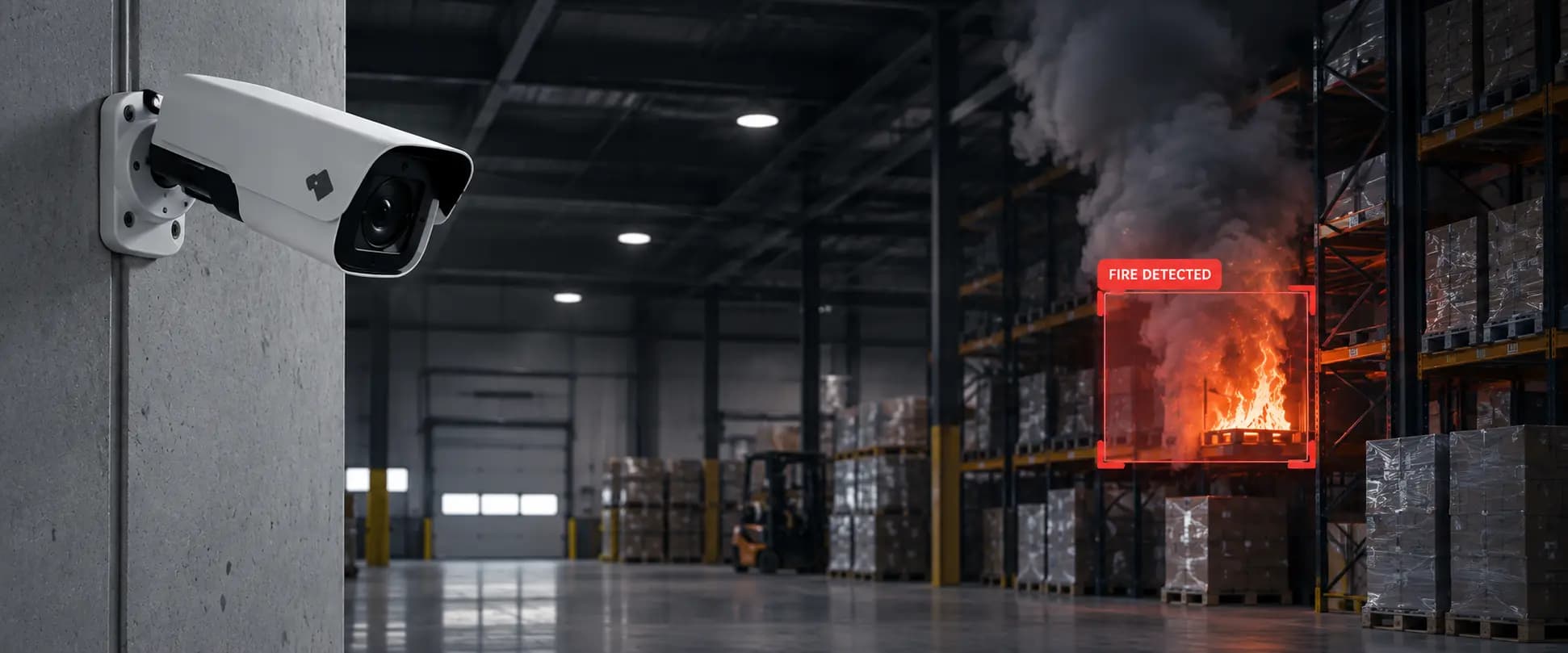
How to Reduce False Alarms in CCTV Systems Using AI
Learn how AI video analytics can reduce CCTV false alarms, improve alert relevance and help security teams focus on events that matter.
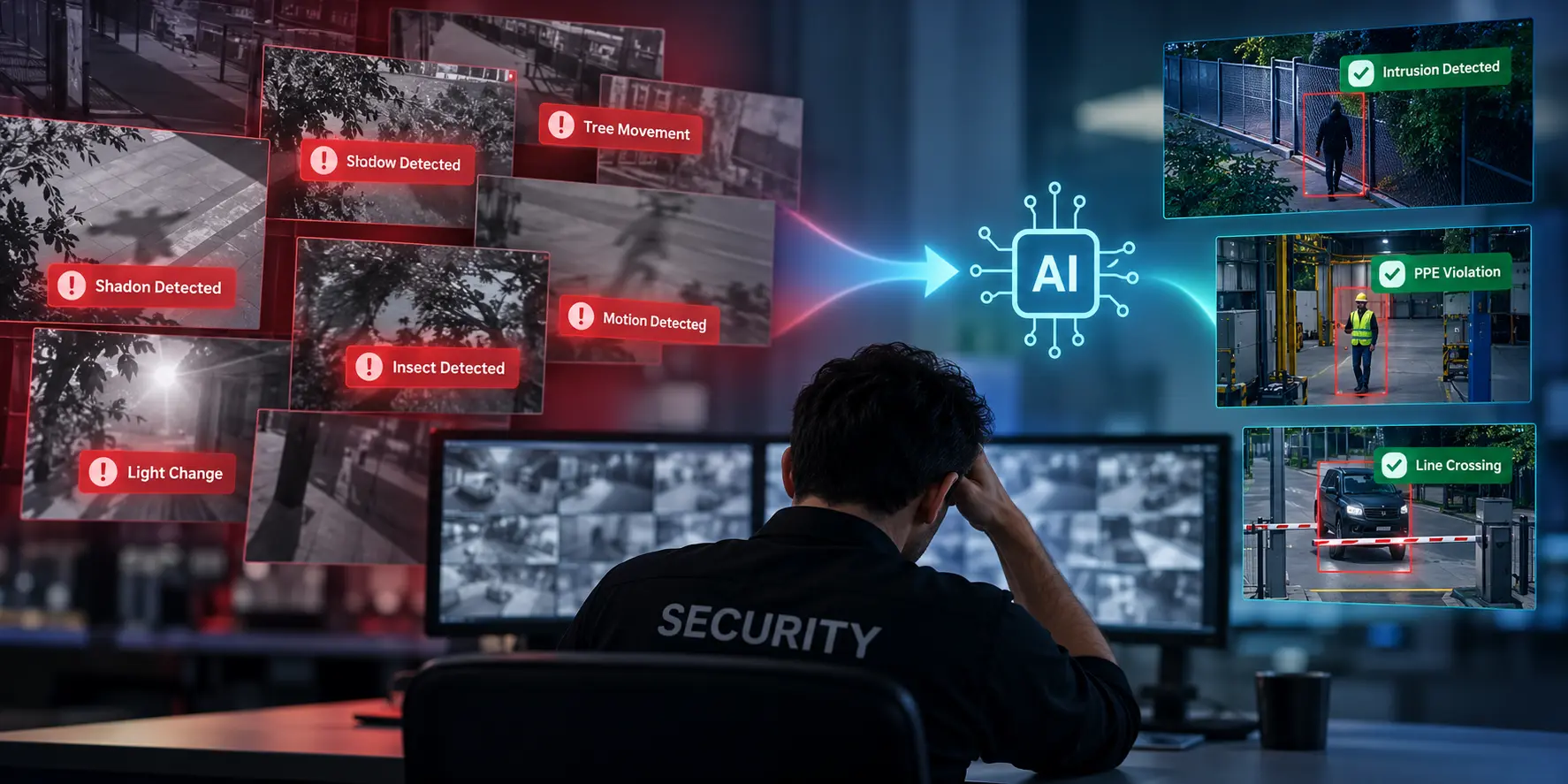
Your CCTV system sends an alert. Someone checks the footage. Nothing is wrong.
It happens again. And again.
A shadow moves across the camera view. A tree sways in the wind. Employees move around a busy production floor. Each notification takes time to review, even when there is no security incident to investigate.
Over time, the problem becomes bigger than the occasional false alarm. Security teams start spending more time sorting through notifications and less time focusing on events that genuinely require attention.
Reducing false alarms in CCTV systems is not about generating fewer alerts at any cost. It is about making alerts more relevant without compromising security coverage.
AI video analytics can help by analysing camera footage for supported events, rather than relying exclusively on basic motion detection. With suitable cameras, detection rules and configuration, security teams can improve alert relevance and make monitoring more manageable.
This guide explains why CCTV systems generate false alarms, how AI can help reduce unnecessary notifications, and what businesses should evaluate before upgrading their surveillance setup.
What Are False Alarms in CCTV Systems?
A CCTV false alarm occurs when a surveillance system generates an alert that does not correspond to the event the alert is intended to identify.
For example, a motion-based system may notify an operator when a shadow moves across a doorway, even though nobody has entered the building.
False alarms can occur for several reasons:
- Motion detection triggers on harmless movement.
- Changing lighting or environmental conditions affect the camera view.
- Detection zones cover areas that do not need monitoring.
- Alert thresholds are too sensitive for the environment.
- Event rules do not reflect the site's operating hours or security requirements.
Not every unexpected alert is necessarily a false alarm. Some notifications may be valid detections of activity that does not require intervention. Others may reveal poorly configured rules or a genuine event that needs investigation.
Understanding the difference is essential before making changes to a CCTV alert system.
Why Do CCTV Systems Generate False Alarms?
Before choosing an AI solution, businesses need to understand what is causing their current alerts.
1. Basic motion detection cannot understand context
Motion detection identifies changes in a camera view. Depending on the system, it may not distinguish between a person entering a restricted area and harmless movement elsewhere in the scene.
Consider a warehouse where employees and forklifts move throughout the day. A camera configured to trigger on general movement may generate repeated alerts during normal operations.
The issue is not necessarily that the camera is detecting movement incorrectly. It is that movement alone may not be the event the security team needs to monitor.
2. Environmental changes trigger alerts
Outdoor and indoor camera feeds can be affected by shadows, reflections, rain, insects, changing light and other environmental conditions.
The impact depends on the camera, detection technology and configuration. Poorly tuned settings can cause these changes to generate repeated notifications.
3. Detection zones are too broad
A camera may cover a large area, but only a small part of that view may be security-critical.
If the entire view triggers alerts, routine activity can create unnecessary noise. Defining relevant zones and boundaries can help narrow monitoring to the areas that matter.
4. Sensitivity settings are not appropriate
A highly sensitive rule may capture minor movement that does not require a response. A less sensitive rule may overlook events that the team needs to detect.
There is no single sensitivity setting that works for every environment. Camera placement, lighting, activity levels and the intended detection all influence the appropriate configuration.
5. Alerts are not aligned with operating conditions
An entrance may be busy during business hours but require closer monitoring after closing.
If alert rules do not account for the site's operating conditions, routine activity may repeatedly trigger notifications. Appropriate schedules, zones and event rules can help align monitoring with the actual security requirement.
How AI Helps Reduce False Alarms in CCTV Systems
AI video analytics can analyse camera footage for specific, supported event types. Instead of treating every movement as equally important, a suitably configured system can focus on conditions that matter to the business.
AI does not eliminate false alarms completely. Its effectiveness depends on the analytics used, camera quality, environmental conditions and how the system is configured.
1. Detect specific events instead of general movement
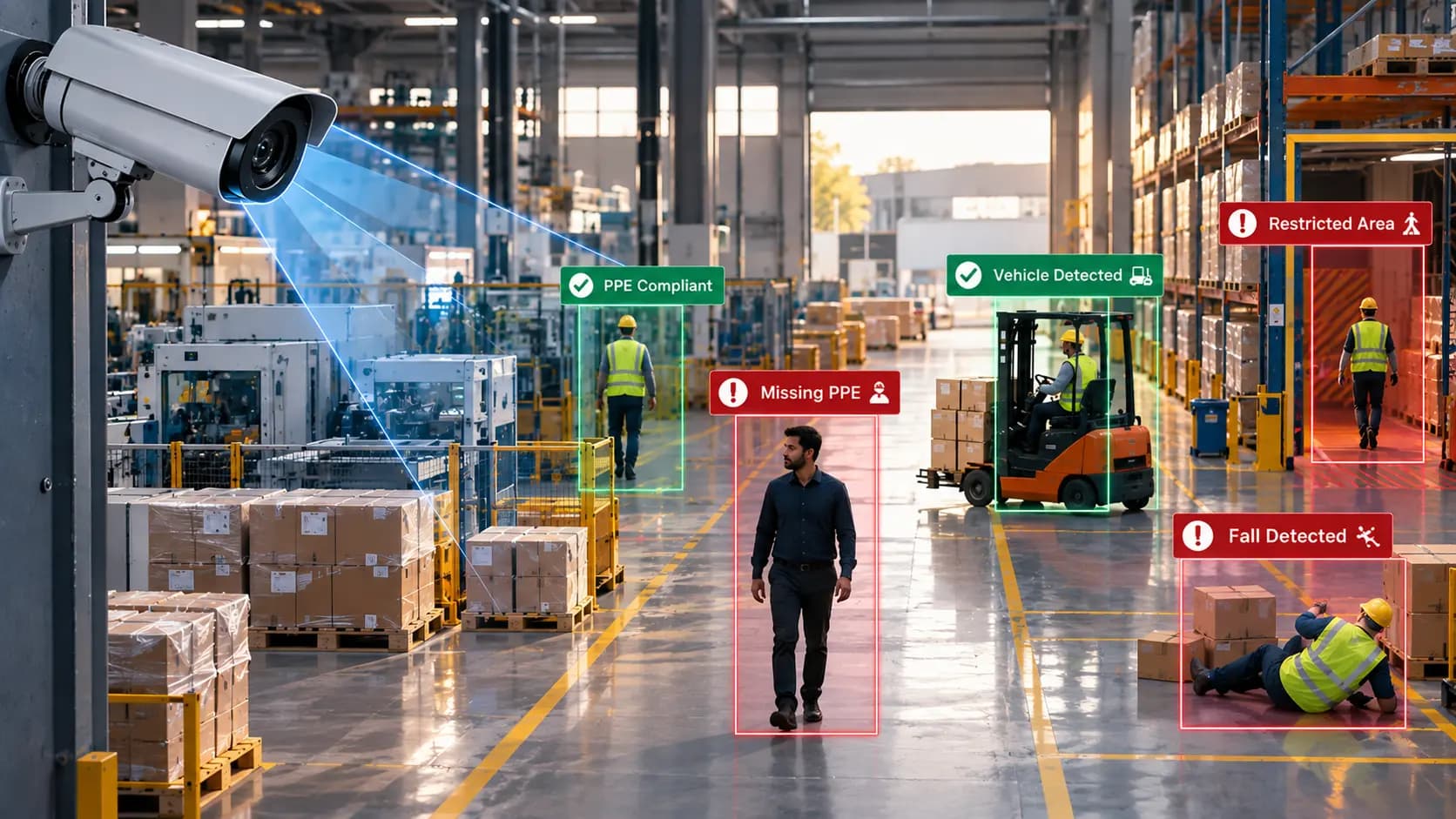
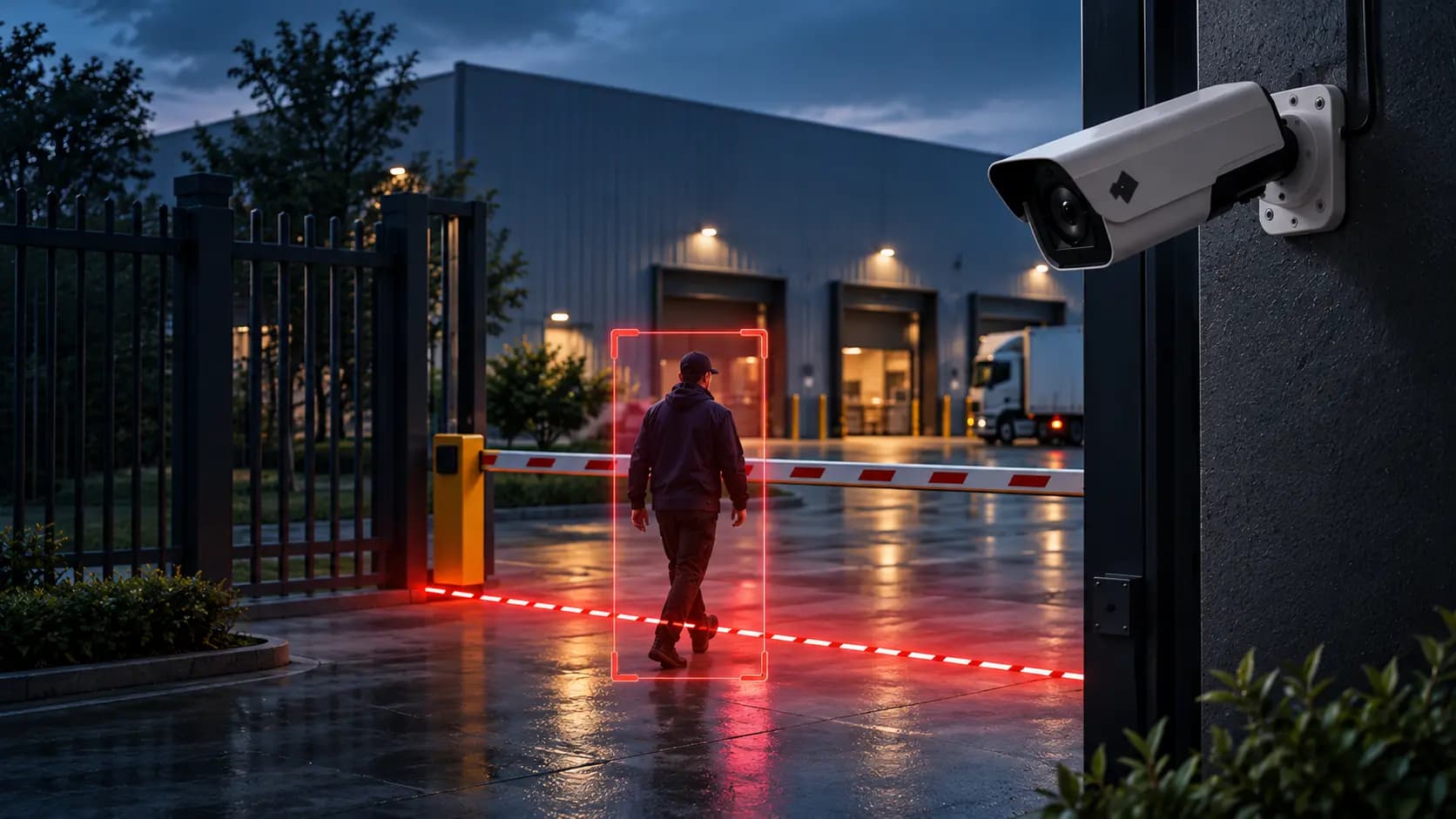
AI video analytics can support event-specific detection, such as intrusion into a defined area, line crossing or PPE compliance, where those capabilities are available.
For example, a factory may need to know when someone enters a restricted zone. General motion detection could produce alerts throughout the shift, whereas a configured intrusion rule focuses on a more specific condition.
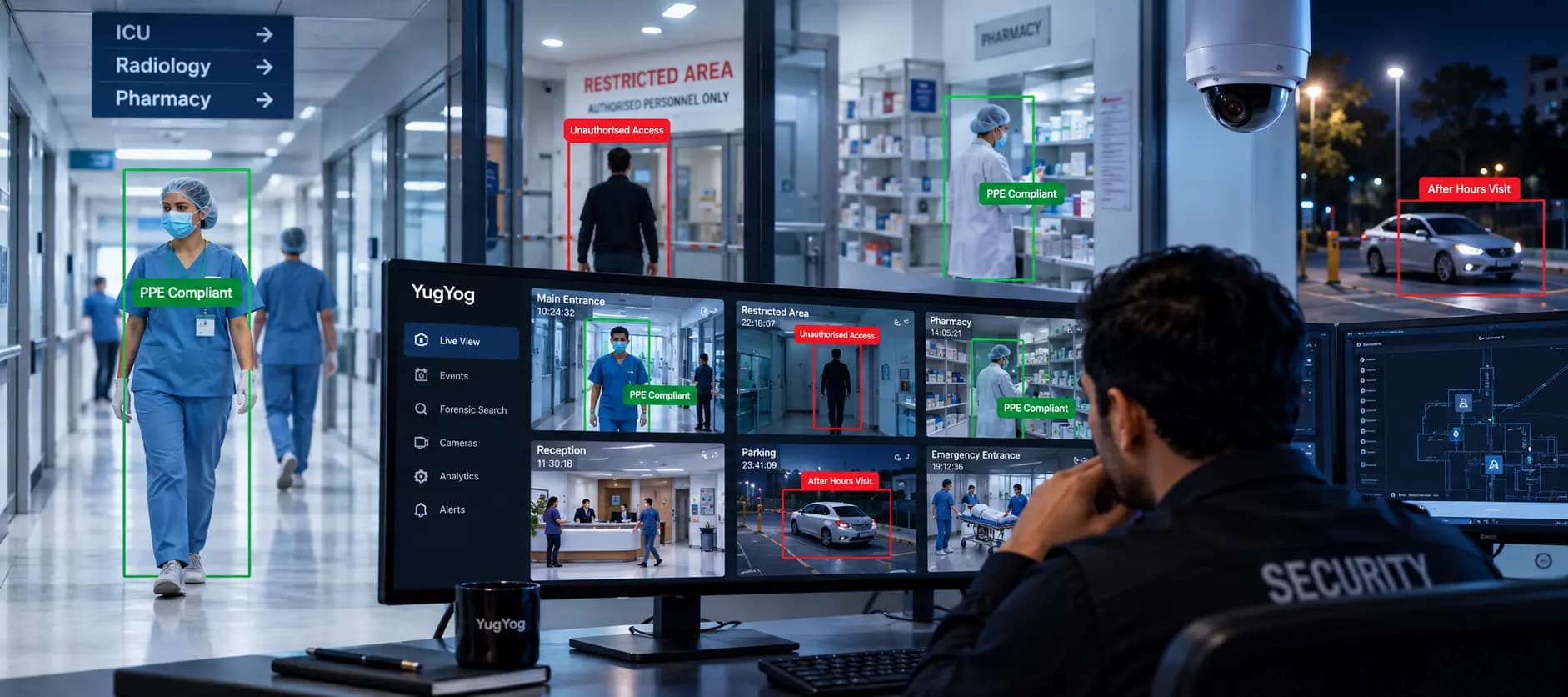
YugYog supports event detection capabilities including intrusion detection, line crossing and PPE compliance. Explore the YugYog AI video engine to learn more about its video intelligence capabilities.
2. Focus monitoring on relevant areas
A well-configured camera system should not treat every part of the scene as equally important.
Security teams can define the areas or boundaries they need to monitor, where supported by the system. This helps focus detection on locations such as restricted entrances, warehouse perimeters or designated safety zones.
For example, a line-crossing rule can monitor movement across a defined boundary rather than triggering whenever someone appears in the camera view.
3. Apply event rules that match the environment
Different sites have different monitoring needs.
A manufacturing facility may prioritise restricted-zone access and PPE compliance. A warehouse may focus on perimeter activity and after-hours access. A retail store may need to monitor defined security events alongside operational conditions.
Configuring the appropriate detection type, zone and threshold helps align alerts with the intended use case.
However, rules should be tested using representative footage. A configuration that works in one camera view may not perform equally well in another.
4. Give operators more useful event information
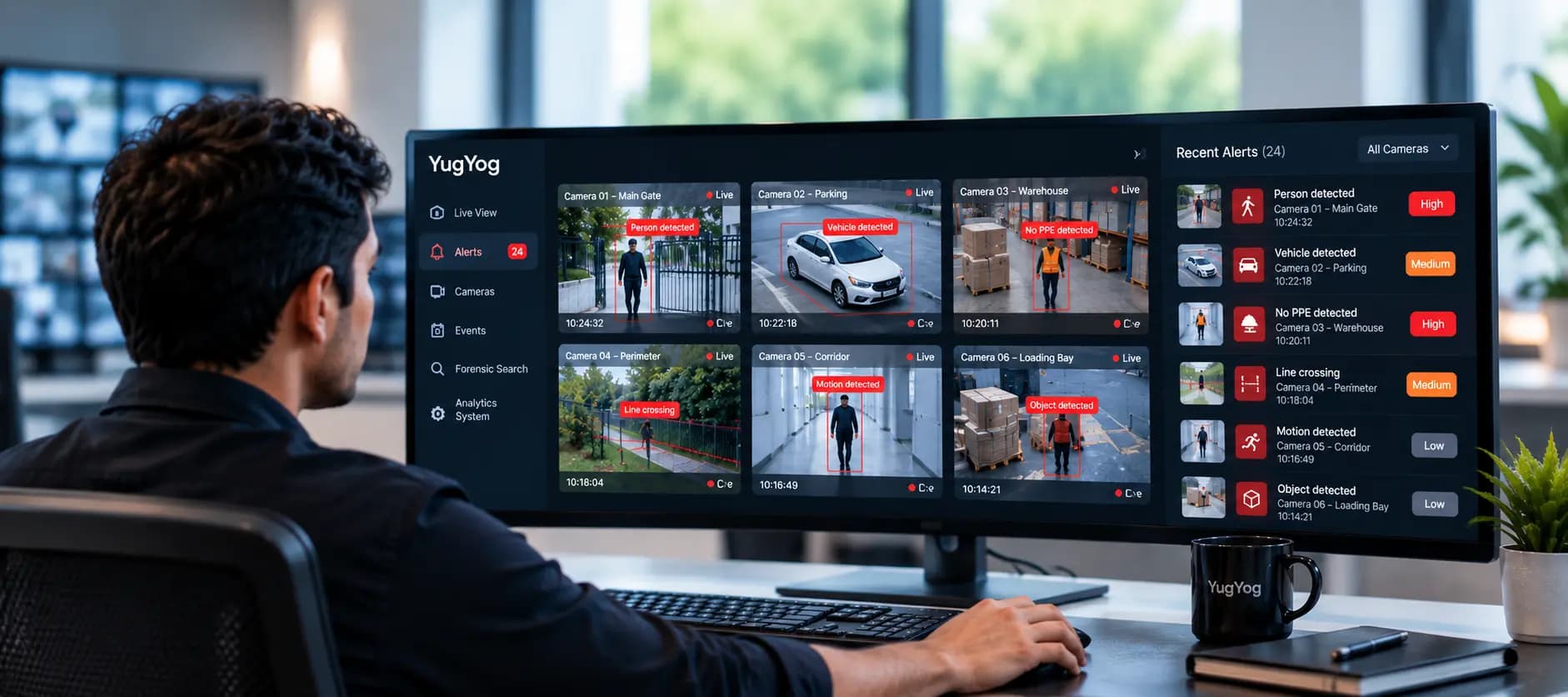
An alert is easier to investigate when the operator can identify the relevant camera, time and detected event.
A video intelligence platform can organise supported detections into structured events, helping operators review what happened and decide whether further investigation is necessary.
YugYog's event intelligence platform is designed to turn supported detections into events that security teams can review.
5. Make investigations faster with forensic search
Reducing false alarms is only part of the challenge. When an event needs investigation, operators may still have to search through long recordings to find the relevant footage.
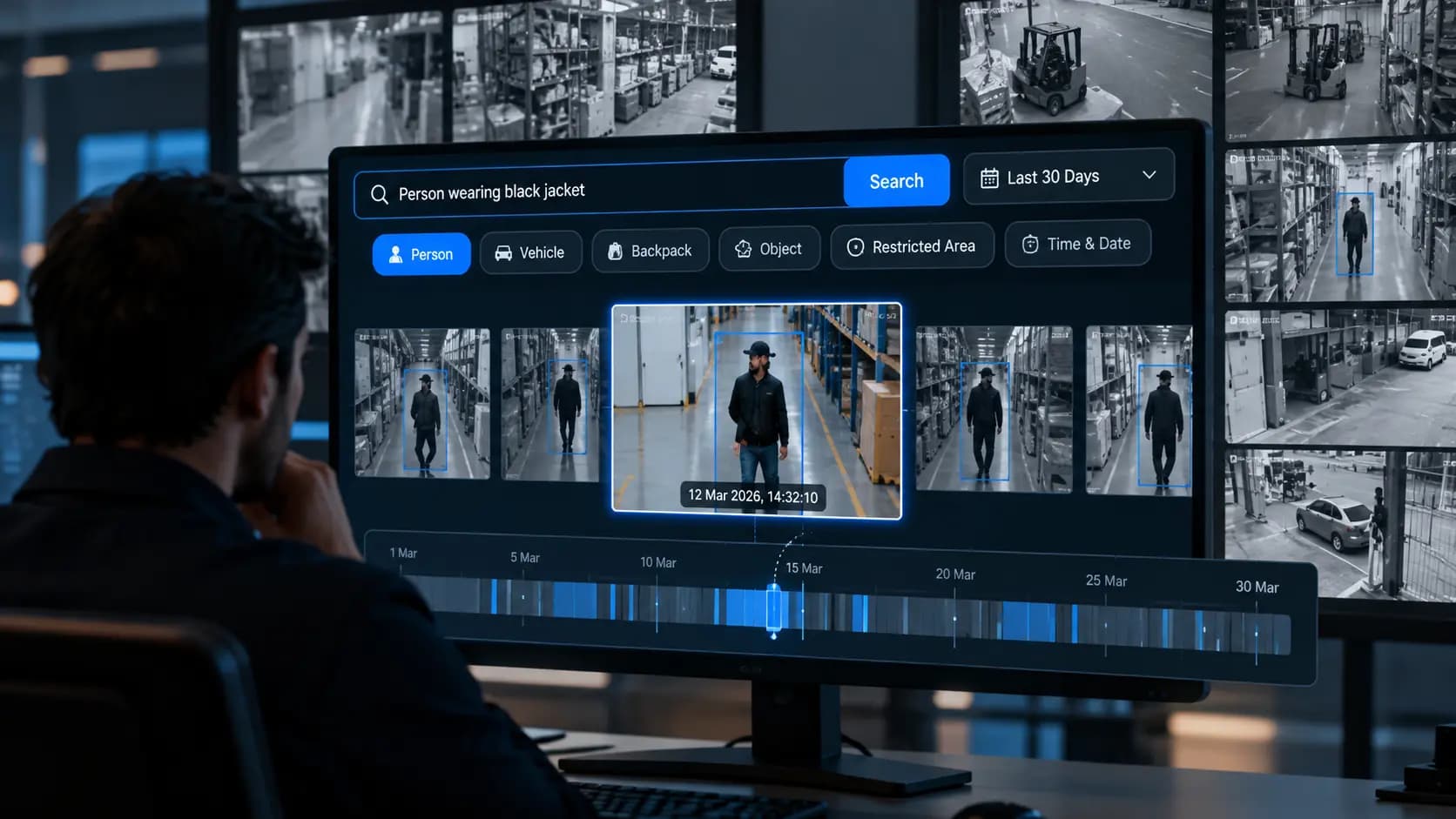
Forensic search can help teams locate relevant video using supported search methods rather than manually reviewing every minute of a recording.
Practical Examples: Reducing False CCTV Alerts Across Industries
The best approach depends on what the site needs to detect and what is generating unnecessary notifications.
Manufacturing facilities
The challenge: A production floor has constant employee movement, but security teams need to focus on defined safety or access events.
A more targeted approach: Configure supported analytics for requirements such as PPE compliance or restricted-zone intrusion, rather than relying exclusively on general motion alerts.
Expected benefit: Operators can focus their review on the events relevant to site safety and security.
Explore YugYog for manufacturing.
Warehouses and logistics facilities
The challenge: Loading bays and warehouse floors remain active throughout the day. Broad motion rules may generate frequent notifications from routine activity.
A more targeted approach: Configure monitoring around relevant boundaries, restricted areas and after-hours conditions, where supported.
Expected benefit: Alerts can become more closely aligned with the events the security team needs to investigate.
Retail stores
The challenge: Routine movement during trading hours creates a high volume of notifications, leaving operators with limited time to review specific security events.
A more targeted approach: Separate routine activity from defined security conditions and configure monitoring around the areas that matter.
Expected benefit: Security teams can focus on relevant events while store managers use separate operational analytics, such as queue monitoring, for customer-flow decisions.
Different use cases require different detection capabilities. Queue analytics, for example, should not be treated as an intrusion detector.
How to Reduce False Alarms: A Step-by-Step Checklist
AI is not a substitute for a well-configured surveillance system. These steps can help businesses identify the main sources of alert noise and improve their monitoring process.
Step 1: Audit your existing CCTV alerts
Review a representative sample of recent notifications. Classify them into categories such as:
- Relevant detections requiring action.
- Harmless activity that triggered an alert.
- Duplicate or repetitive notifications.
- Alerts that cannot be confidently classified.
- Missed events discovered during later review.
This creates a baseline for understanding the problem.
Step 2: Identify the biggest sources of false alarms
Look for repeated patterns. Are most unnecessary alerts coming from one camera? Do they occur at particular times? Are shadows, lighting changes or routine movements common triggers?
Fixing the underlying cause is generally more useful than changing sensitivity settings across every camera.
Step 3: Review camera placement and image quality
Check whether the camera captures the relevant area clearly. Poor angles, obstructions, inadequate lighting and unsuitable image quality can affect detection reliability.
If the camera view is not appropriate for the intended analytics, configuration changes alone may not solve the problem.
Step 4: Refine detection zones and thresholds
Where supported, adjust the monitored areas, boundaries, schedules and event conditions to reflect the site's actual security requirements.
Avoid making thresholds so restrictive that important events are missed simply to reduce the number of notifications.
Step 5: Test the configuration against real footage
Evaluate the system under different lighting conditions, activity levels and operating periods.
Review both false detections and missed events. Fewer alerts are not evidence of better performance if the system also fails to identify important incidents.
Step 6: Establish clear response procedures
Define which alerts need immediate action, which require review and which can be logged for later investigation.
Assign responsibility for each alert category so operators understand what to do when a notification arrives.
Step 7: Measure whether the changes work
Track relevant indicators before and after making changes, such as:
- The proportion of reviewed alerts that require action.
- The frequency of recurring false detections.
- Important events missed during review.
- The time needed to assess and respond to alerts.
Use these measurements to determine whether the system is becoming more useful without reducing necessary security coverage.
AI CCTV Alerts vs Traditional Motion Alerts
|
Comparison |
Traditional motion alerts |
AI video analytics |
|
What triggers an alert |
Changes or movement in the camera view, depending on the system |
Supported event types and configured detection conditions |
|
Understanding activity |
Limited unless additional rules are configured |
Can classify supported events within the limits of the analytics |
|
Handling busy environments |
May generate frequent notifications when many movements occur |
Can focus on specific events when configured appropriately |
|
Alert configuration |
May use motion sensitivity and basic zones |
May include event-specific rules and detection zones |
|
False alarms |
Can occur when harmless changes trigger motion rules |
Can still occur, but suitable analytics and configuration may improve relevance |
|
Best practice |
Tune settings and zones to the environment |
Validate detections, monitor performance and refine the configuration |
The choice is not simply between traditional CCTV and AI. Businesses should assess the specific events they need to detect, how reliably the system detects them and how operators will respond.
What to Look for in an AI CCTV Alert System
Before investing in an AI video analytics platform, evaluate these areas.
Relevant detection capabilities: Confirm that the system supports the events your business needs to monitor.
Configurable detection rules: Check whether zones, boundaries and other supported conditions can be adjusted to suit the environment.
Useful event information: Understand what information accompanies an alert and how operators can review the relevant footage.
Camera compatibility: Verify that existing camera feeds can be integrated and that the camera views are suitable for the required analytics.
Deployment and security: Assess the platform's deployment options, access controls and data-handling requirements.
Performance validation: Make sure your team can test detection quality and review both false alarms and missed events.
Clear response workflows: Confirm how operators receive, review and act on notifications using the available system features.
YugYog is designed to bring video intelligence to compatible IP camera environments, with cloud, hybrid and air-gapped deployment options. Learn more about the YugYog platform and its security capabilities.
Final Thoughts
False CCTV alarms are not merely an inconvenience. When irrelevant notifications consume too much of an operator's attention, effective security monitoring becomes harder to manage.
AI video analytics can help reduce alert noise by focusing on supported events, narrowing detection to relevant areas and providing structured information for investigation. But no system should be assumed to eliminate false alarms completely.
The right approach starts with understanding why your current system generates unnecessary alerts. Review the existing notifications, refine detection rules, test the results under real conditions and measure whether alert relevance improves without compromising detection coverage.
If your security team spends too much time reviewing CCTV notifications, explore YugYog and try it on compatible cameras free for 14 days to assess how its video intelligence capabilities fit your monitoring requirements.